User’s Guide 49
Maintaining the Projector
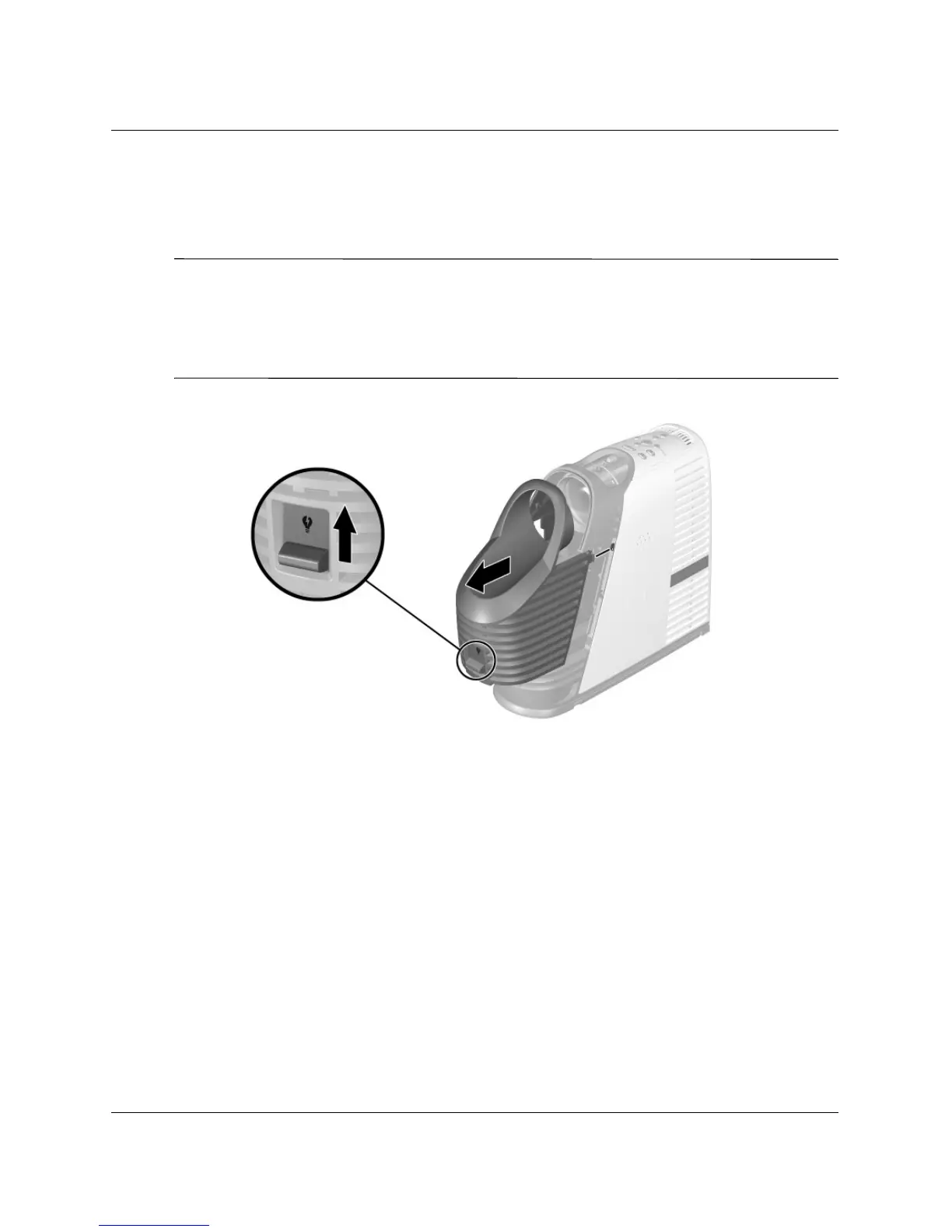
6. Turn on the projector. If the lamp does not turn on after the warm-up period, try
reinstalling the lamp again.
7. Open the on-screen menu and select Setup > Reset lamp hours.
Å
WARNING: The lamp contains a small amount of mercury. If the lamp breaks,
adequately ventilate the area where the breakage occurred. Disposal of this lamp
might be regulated due to environmental considerations. For disposal or recycling
information, contact your local authorities or the Electronic Industries Alliance
(http://www.eiae.org).



 To Next Page