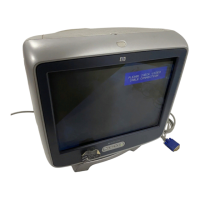
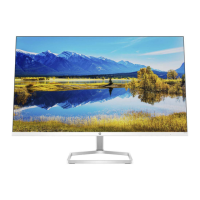
HP Pavilion MX50, MX70, and MX90 Multimedia Monitors
35
Filename: S01MXCUS.doc Title: HP-Print2k.dot
Template: HP-Print2K.dot Author: WASSER, Inc. Last Saved By: WASSER, Inc.
Revision #: 6 Page: 35 of 40 Printed: 12/15/00 02:51 PM
English
moire filters, 23
Moire icon, 18, 23
monitor.
See also
screen
avoiding damage to, 1–3
cleaning, 8–9
features, 1
installing, 3
locating, 3
power-management features, 8,
29
safety procedures, 1–3
using, 6–9
viewing angle of, 9
monitor information, 27
O
OSD (on screen display)
features, 9–10
OSD Main window, 12–13
OSD Position icon, 18, 22
OSD window
setting position, 22–23
P
Parallelogram icon, 17
pin assignments, 28
Pin Balance icon, 17
Plus button, 10
position
of OSD window, 22–23
Power button, 6
power cables, connecting and
disconnecting, 4
power-management features, 6, 8,
29
power-saving modes, 30
pre-set contrast modes, 10–12
pre-set modes.
See
pre-set contrast
modes
problems.
See
troubleshooting
R
refresh rates, 27
resolution, screen, 7, 27
Rotation icon, 17
S
safety procedures, 1–3
screen.
See also
monitor
cleaning, 8–9
refresh rates, 27
resolution, 7, 27
Select button, 10
setting
position of OSD
window, 22–23
Side Pin icon, 17
Size & Position icon, 15
Size & Position window, 15–16
Sleep mode, 30
speakers, connecting, 5
specifications, 25–30
Standby mode, 30
Status icon, 18, 24
Status window, 24
Suspend mode, 30


 To Next Page