14
2.3 Mount Rear Cam to the Rear Windshield
1.
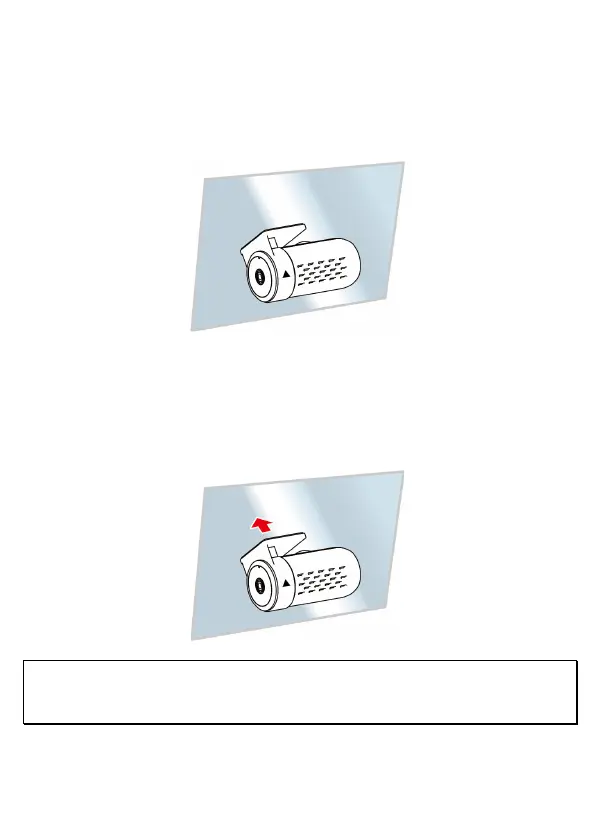
Position the rear camera at upper central of rear windshield. Use cable to
connect rear camera with front camera to check the preview image is in right
position (not upside down) before installation. If the preview image is upside
down, please rotate the base 180∘to make it correct.
2.
Check and confirm the field of rear view. Then clean the surface of the
windshield with alcohol to ensure that the adhesion surface is clean.
3.
Remove the film on the base of rear camera, and then hard press rear camera
to ensure firmly stuck.
Note:
1. Do not install the device on a tinted window. Doing so may damage the tint film.
2. This product is suitable for light windshield or light color heat-resistant film windows, it will affect video quality
if install it on the dark windows or dark heat-resistant film windows.



 To Next Page