42
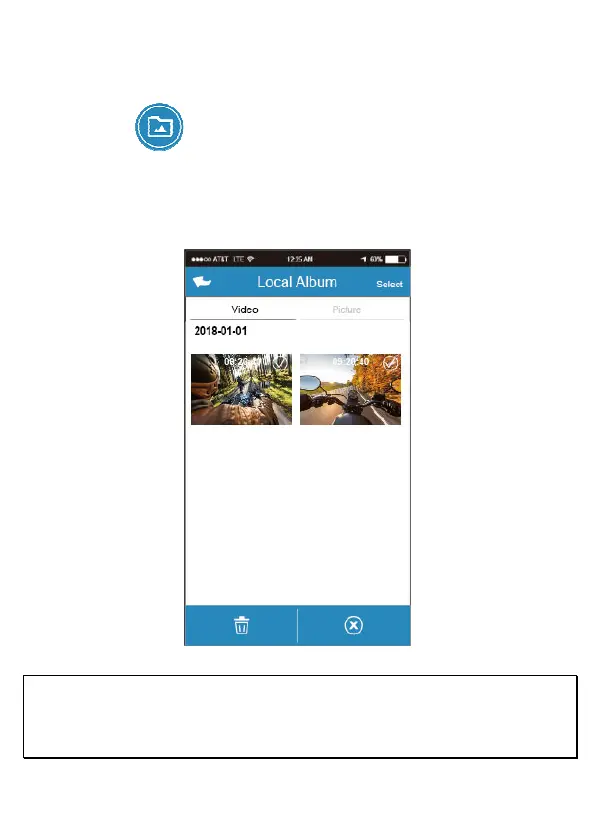
5.3 Local album
You can use this feature to playback or delete the file that you download to your
mobile device.
1. Touch icon [Local Album]。
2. Pick up the file that you want to playback.
3. The downloaded videos or pictures will be saved in the album of your mobile
device, at the mean time it will create a new folder “Go Dashcam”. You can
preview or delete the files from the album.
Note:
1. Deleted files cannot be recovered. Ensure the files have been backed-up before deletion.
2. If you find the downloaded files could not be played or without audio, which means the mobile device itself
does not support the video decoding. It’s not the problem of the file. We recommend you to install a free App
software such as VLC to playback the file.



 To Next Page