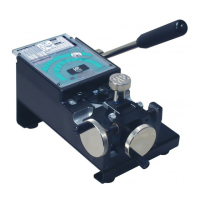
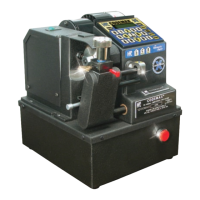
SPECIAL NOTE: To cut keys on the CodeMax
®
using the micrometer method you must use standard CodeMax
®
cutters
that have a center line of .188" and 2
3⁄
8" diameter. Keys may be gauged from either the shoulder or the tip. Tip gauged keys
require special calculations. The zero point for the Horseshoe Tip Stop is 1.215 and all spacing must be calculated from
this point. So, even if you are using a Tip Stop you must calculate spacings as though they were from a shoulder The zero
point for the Red Tip Stop is .940" and all spacing must be calculated from this point.
You must indicate that the first cut is to be measured from the shoulder of the key to the
right. Press “8” (>). The following display appears:
The arrow to the right of the spacing display line (>) confirms that the first cut is to be to
the right of the shoulder of the key. After setting the direction, set the spacing value from
the shoulder to the first cut. For our example, the value is .231, so press “2”, “3”, “1”, then
press ENTER. The display changes to:
Press START and the CodeMax
®
aligns the Pivot Arm for the first cut. When the
CodeMax
®
stops, press “2” (UP ARROW) to signify that the Pivot Arm will be moving up
into the cutter. The display shows:
40
Space 0.000 In>
Depth 0.000 In
Space 0.231 In
Depth 0.000 In^
Space 0.231 In>
Depth 0.000 In
CodeMax
®
CodeMax
®


 To Next Page