7. Remove the chassis cover .
8. Remove the front bezel.
9. Open the chassis .
10. Allow all internal system components to cool before continuing.
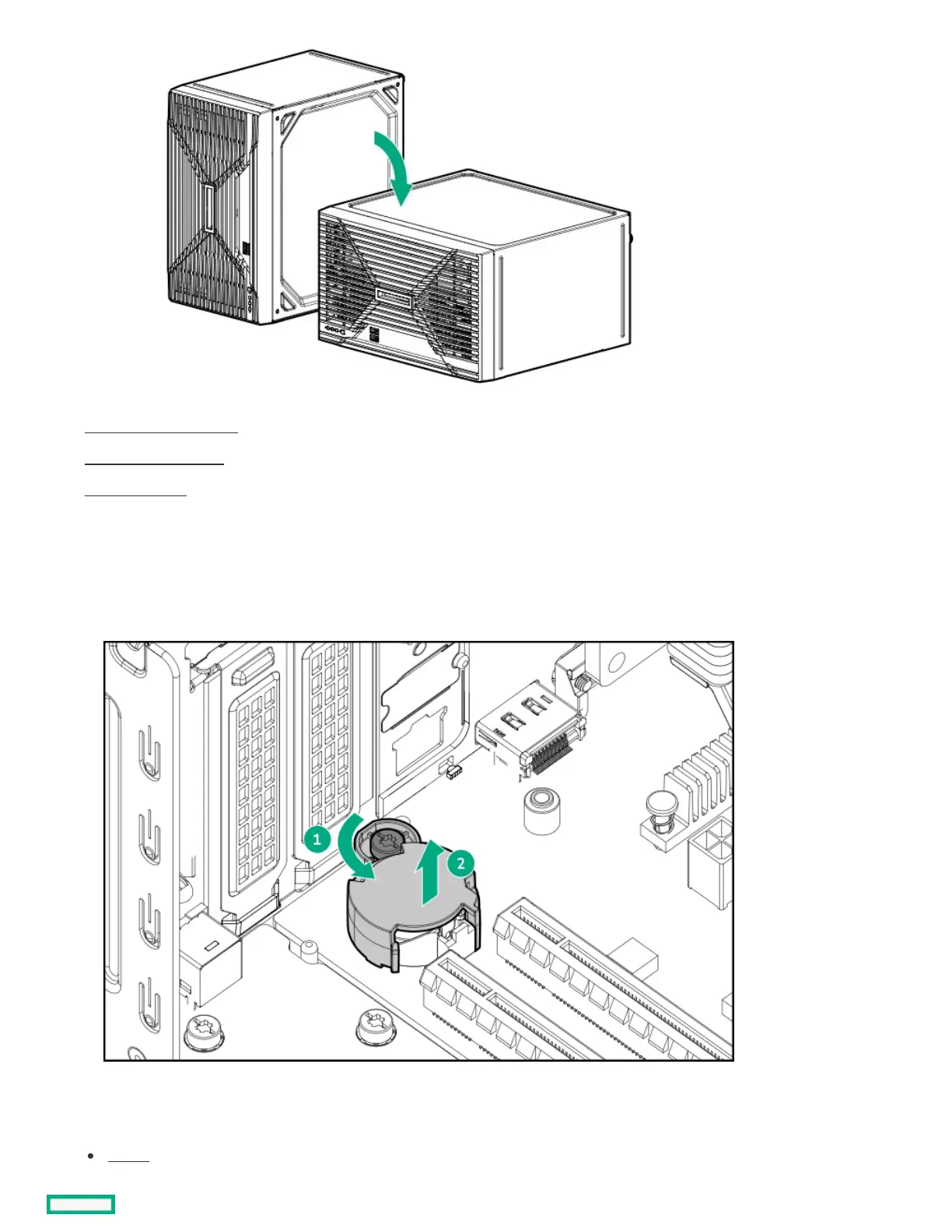
11. Remove the system battery cover:
a. Loosen the system battery cover screw.
b. Lift the cover from the system battery.
12. Disconnect all cables from the system board.
13. If installed, remove the following components from the system board:
DIMMs













 To Next Page