THT45 - THT45W - THT46
Section “Factory Set”
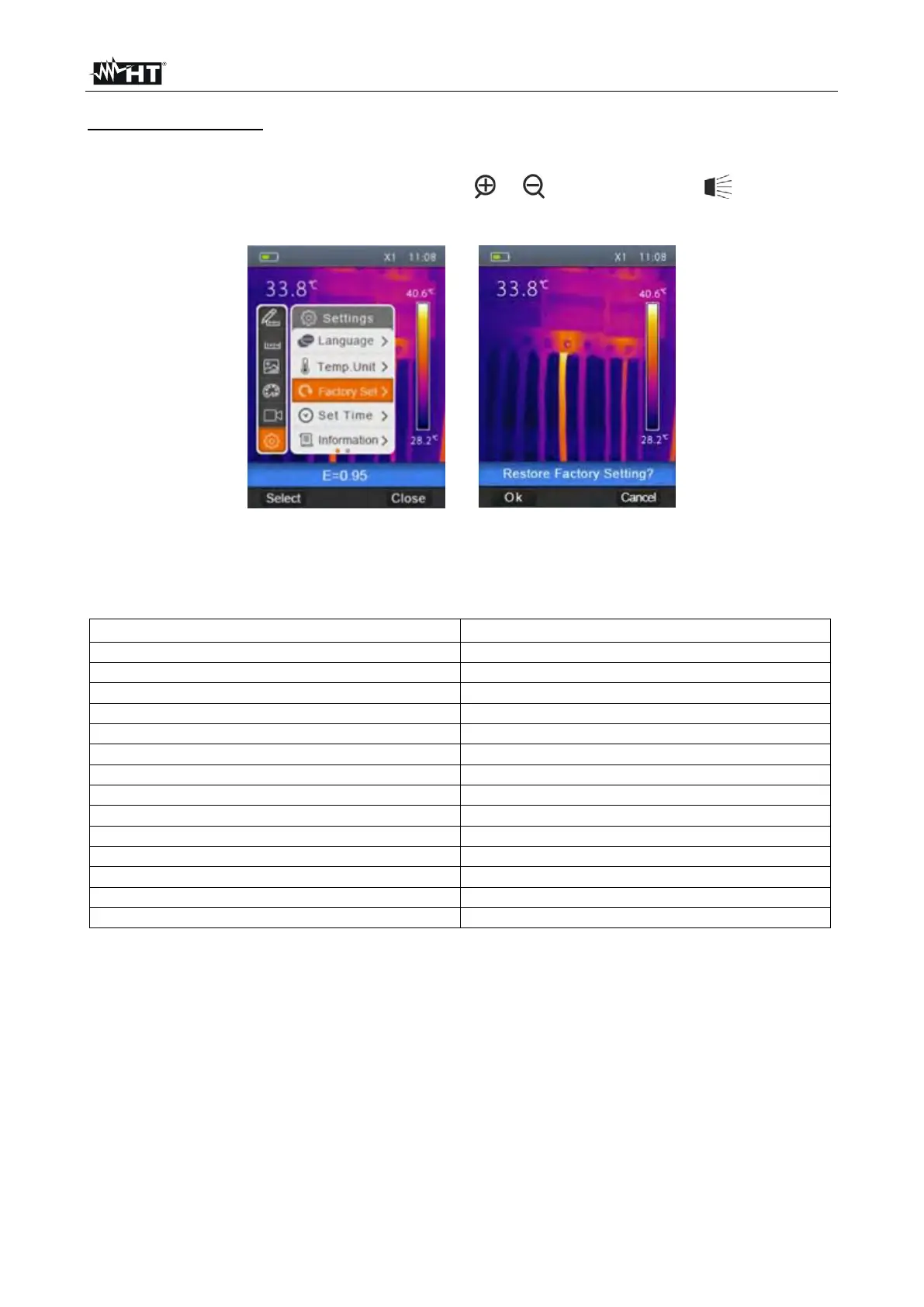
In this section it is possible to restore the default conditions of the instrument's parameters.
1. Select the item “Factory Set” with the keys or and press the key . The screen
of Fig. 10 – Right side is shown on the display.
Fig. 10: Setting default conditions on the instrument
2. Press the key “Select” to restore the default conditions (see Table 1) or “Close” to
cancel the operation.
Cursor in the middle of the display
Max temperature measurement cursor
Min temperature measurement cursor
Table 1: Default conditions of the instrument


 To Next Page