57
Press the ▼ key once.
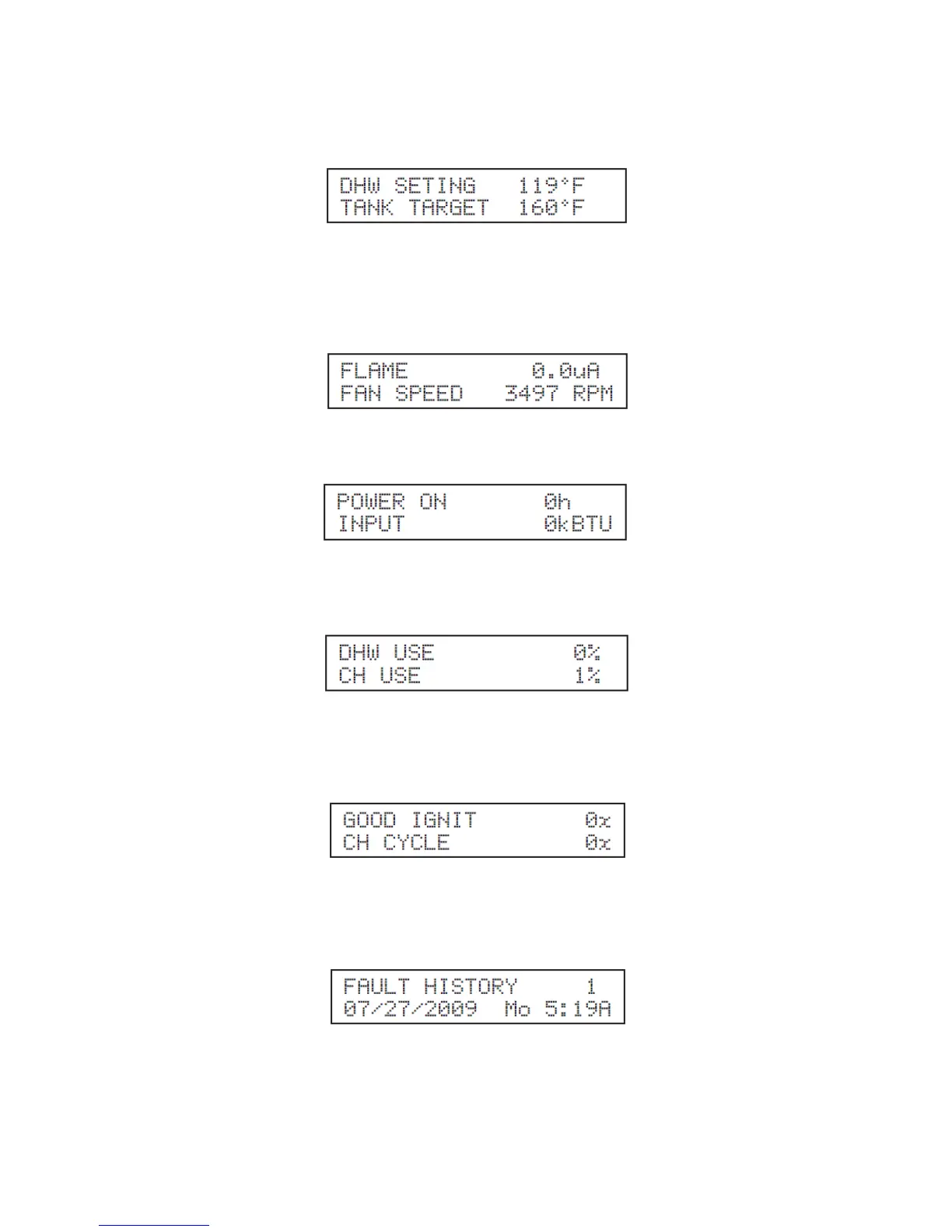
The top line of this screen displays the current domestic hot water temperature set point entered in the
Appliance Settings. The bottom line displays the current tank target temperature. NOTE: This target tank
temperature set point will vary due to the total system control that is based on environment and system
conditions.
Press the ▼ key once.
The top line displays the boiler flame current. The bottom line displays appliance fan speed.
Press the ▼ key once.
The top line indicates the amount of hours the appliance has power applied to its lifetime. The bottom line
indicates how much energy input (in thousand BTU) from the burner into the storage tank.
Press the ▼ key once.
The top line of this display indicates the percentage of energy used for domestic hot water over the
appliance lifetime. The bottom line indicates the percentage of energy used for central heating over the
appliance lifetime.
Press the ▼ key once.
The top line of this display indicates the number of times the burner has turned on over the appliance
lifetime. The bottom line indicates the number of times the heating module has cycled for central heating
demand.
Press the ▼ key once.
This screen displays the last lockout fault the heater control had. The top line will alternate between the
words “FAULT HISTORY” and the fault encountered. The bottom line will display the date and time the
fault occurred.





 To Next Page