53
D. PROGRAMMING THE SYSTEM SETTING
NOTE: Programming the control is not possible when the unit is firing. Make sure any input (such as the
thermostat) is turned off, so the boiler will remain idle to allow programming.
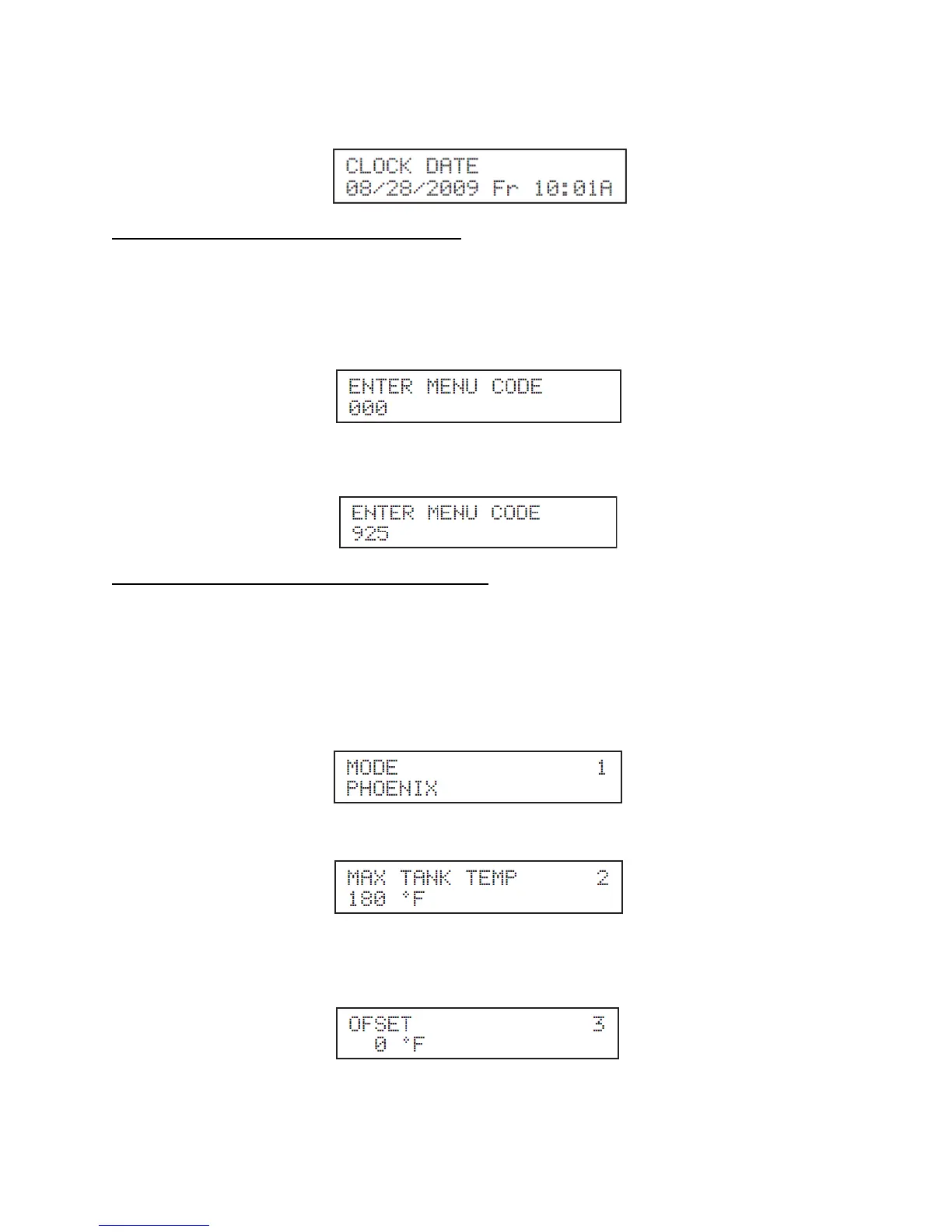
To access the System Setting Program, press the ENTER Key for 4 seconds until the display shows the
following:
Next, use the arrow keys on the display to log in the System Menu Access Code “925”. To confirm
code, press ENTER to access System Setting Program Navigation menu.
E. SYSTEM SETTING PROGRAM NAVIGATION
Once the System Menu Access Code is confirmed, the user can start to set the System Parameters
Menu. Use the arrow keys on the display to navigate through the different program settings. To change
an appliance setting, press ENTER. Increase system settings by pressing ▲ and decrease by pressing ▼
on the display.
Listed below are the system settings that can be programmed into the control.
Function 1 Factory Program Mode
This screen indicates that the control is configured correctly. Do not change this screen.
Function 2 Max Tank Temp
Description: Sets the overall tank temperature maximum limit. Factory default 180
o
F (Range 95
o
F to
185
o
F).
Function 3 DHW Offset Temp
Description: Not Used.





 To Next Page