51
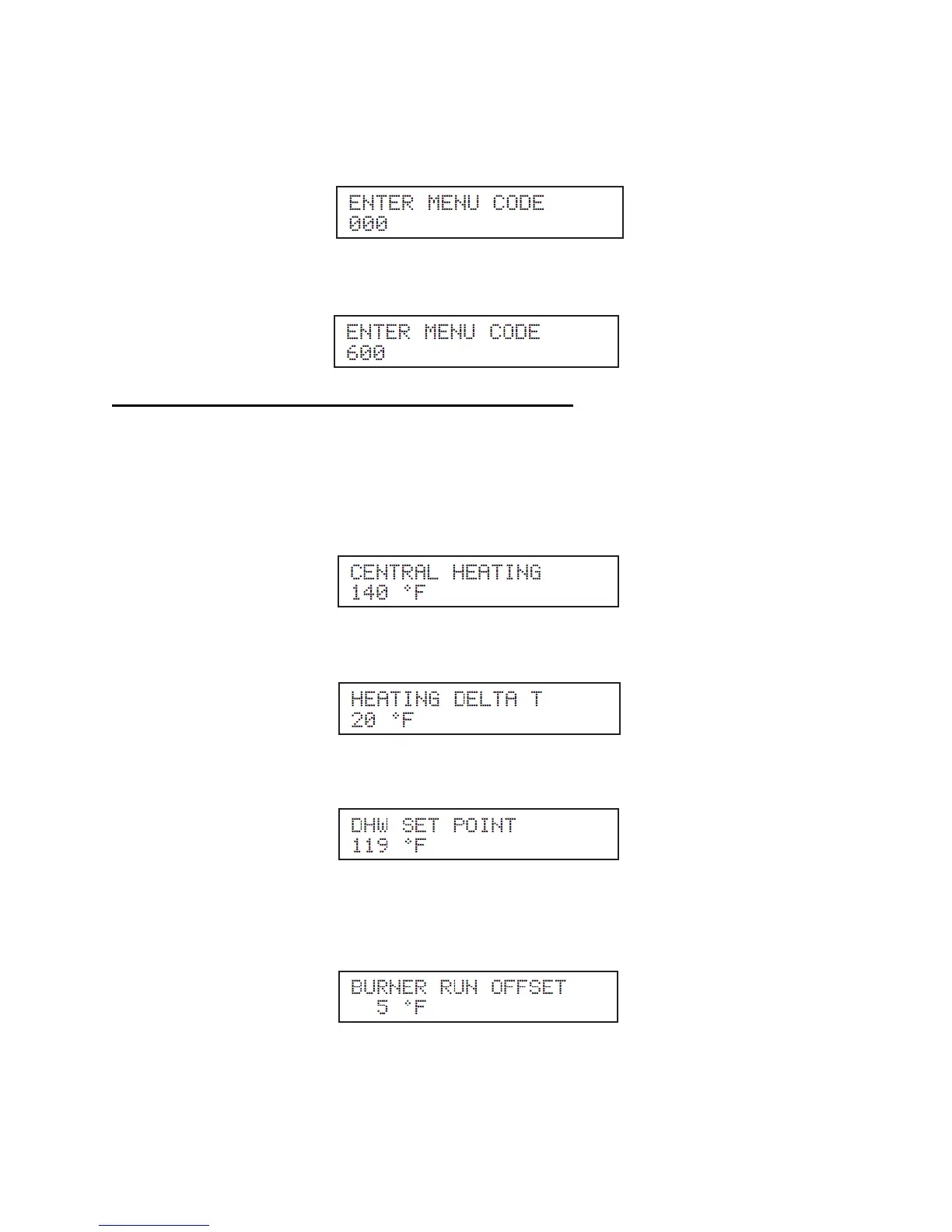
To access the Program, the user will need to press the ENTER key for 4 seconds until the display shows
the following:
Use the arrow keys on the display to log in Access Code “600”. To confirm the code, press ENTER to
access the Program navigation menu.
C. APPLIANCE SETTING PROGRAM NAVIGATION MENU
Once the code is confirmed, the user can now start to set the Appliance Settings. Use the arrow keys on
the display to navigate through the Appliance Setting Program. To change a setting, press ENTER.
Appliance settings can be increased by pressing ▲ and decreased by pressing ▼ on the display. Listed
below are the appliance settings that can be programmed into the control. The first three are the most
important to program correctly in order for the total system control to operate the appliance at optimum
efficiency.
Function: Allows the user to adjust the central heating designed supply set point from 50
o
F to 170
o
F
(Factory default 140
o
F).
Function: Allows the user to adjust the heating system designed delta T set point from 5
o
F to 30
o
F
(Factory default 20
o
F).
Function: Allows the user to adjust the DHW set point from 95
o
F to 180
o
F (Factory default 119
o
F).
NOTE: The appliance is supplied with a thermostatic mixing valve that must be installed on to the
domestic hot water system. Any changes in this set point will also require adjustment to the mixing valve.
Please refer to the mixing valve section in Piping, Part 4, for further setup and operation details.
Function: Allows the user to adjust the degree offset from the current target tank temperature where the
burner will ignite 1
o
F to 18
o
F (Factory default 5
o
F).




 To Next Page