BoostLi Energy Storage Module ESM-48100B1
User Manual
4 Installation and Commissioning
Copyright © Huawei Technologies Co., Ltd.
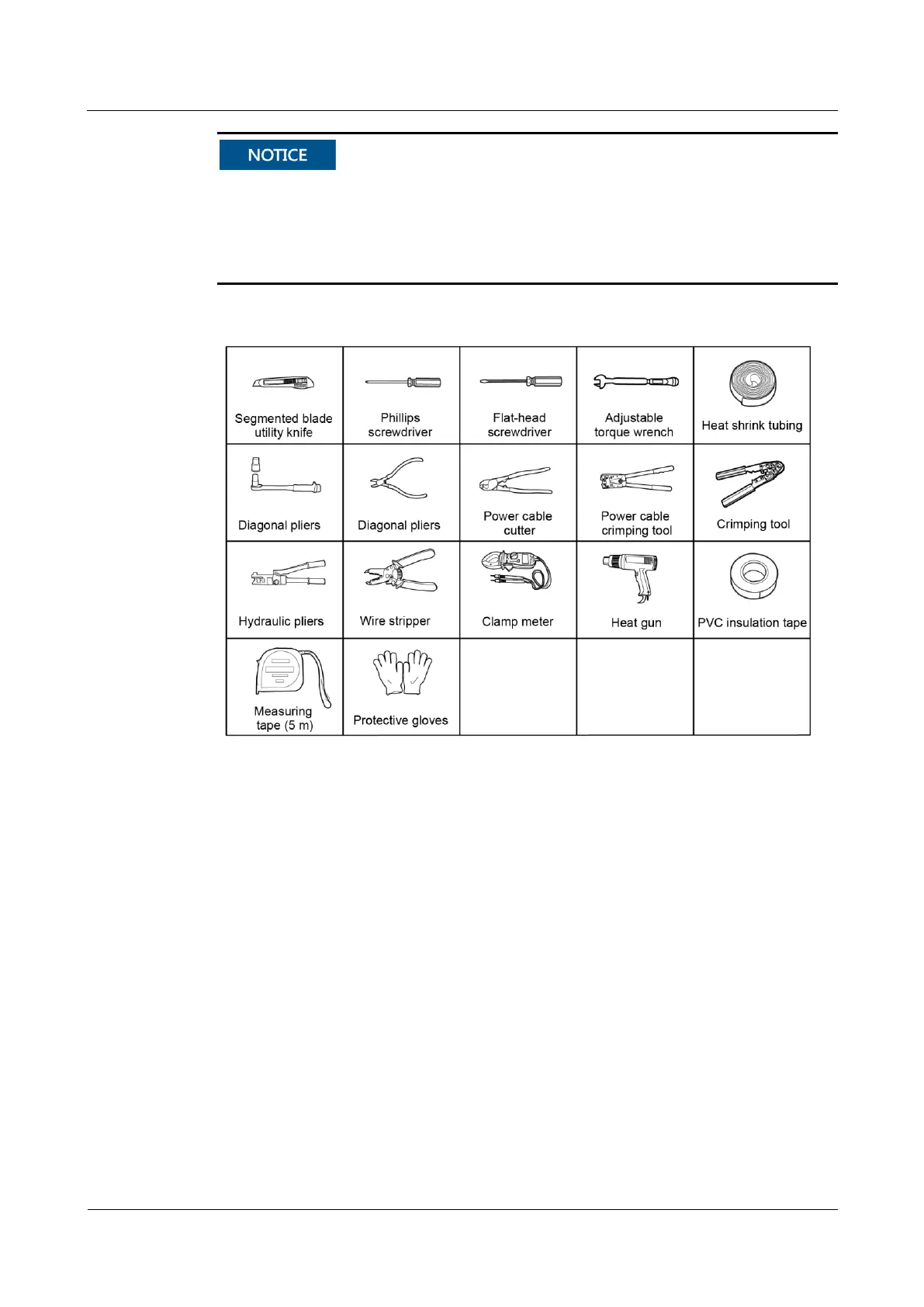
Use insulated tools. The following figure is for reference only.
When installing power terminals, check whether they are tightened, and whether rust,
corrosion, or other foreign objects exist. If yes, clean the terminals and tighten the bolts. If
the battery bolts are loosely connected, the voltage drop may be too high, or the battery
may be burnt when the current is large.
Figure 4-1 Installation tools
Procedure
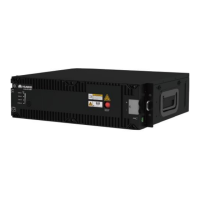
Step 1 Install an ESM according to the quick installation guide and check whether floating nuts are
installed on both sides of the rack. If not installed, install the floating nuts delivered with the
cabinet on both sides of the rack.
Step 2 Push the ESM into the cabinet and fasten the ESM.



 To Next Page