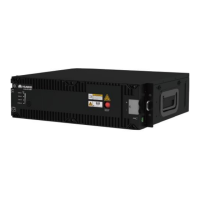
BoostLi Energy Storage Module ESM-48100B1
User Manual
Copyright © Huawei Technologies Co., Ltd.
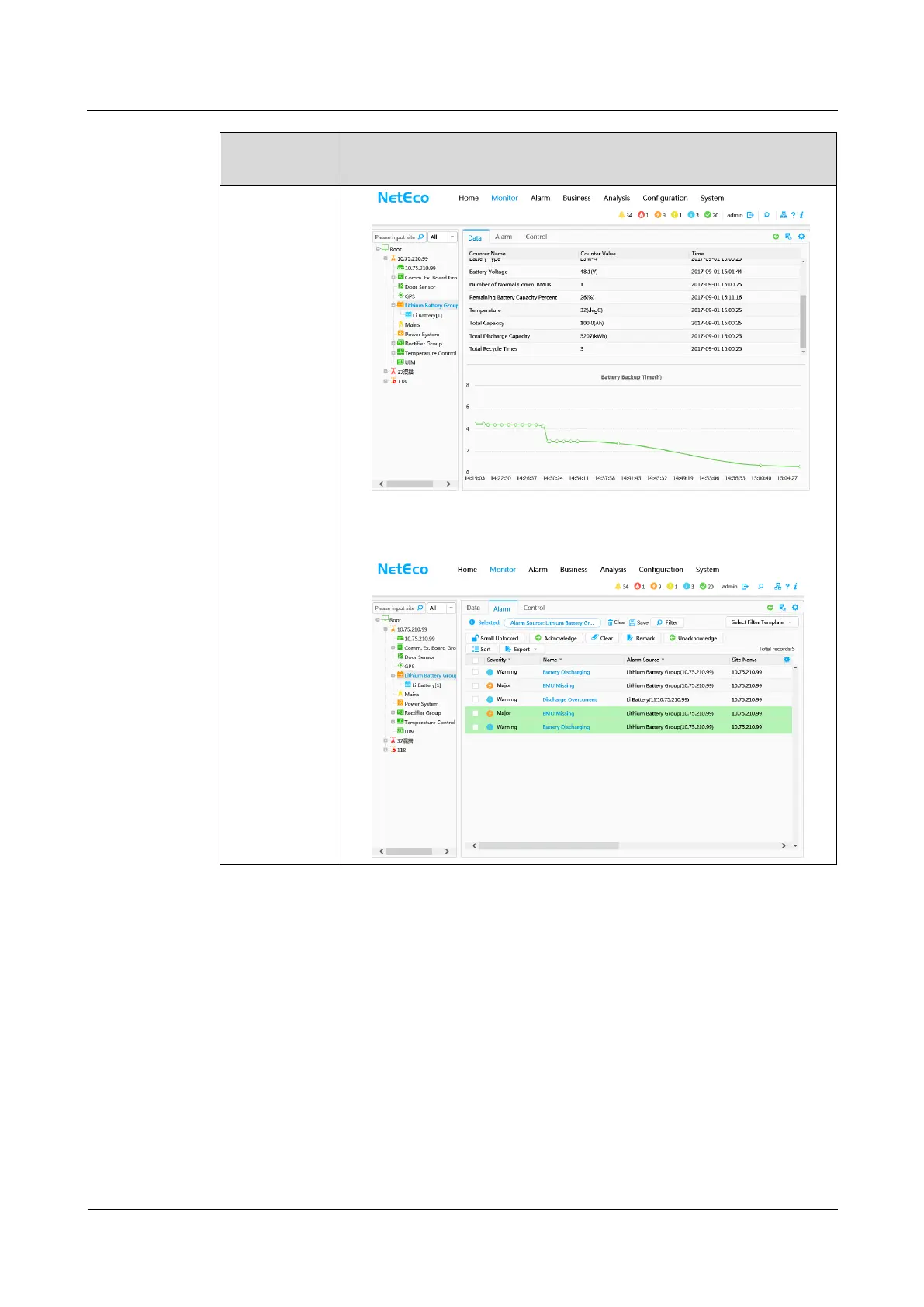
2. Check the active alarms for ESM fault alarms. NetEco menu path:
Monitor > Site Name > Lithium Battery Group > Alarm. If there is
any fault alarm, handle it by referring to Troubleshooting.
5.2 Replacing an ESM
Prerequisites
The protective gloves, Phillips screwdriver and socket wrench are available.
You have confirmed the model of the ESM to be replaced and prepared a new ESM.
You are authorized to enter the site with the key.



 To Next Page