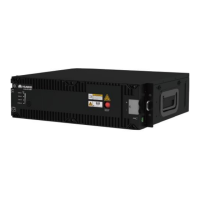
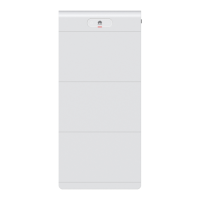
BoostLi Energy Storage Module ESM-48100B1
User Manual
6 Deactivating of the Antitheft Function of the ESM
Copyright © Huawei Technologies Co., Ltd.
6 Deactivating of the Antitheft Function of
the ESM
Scenario
Before NetEco replacement or a cross-R-version upgrade of the monitoring module,
deactivate the antitheft function of the ESM.
Procedure
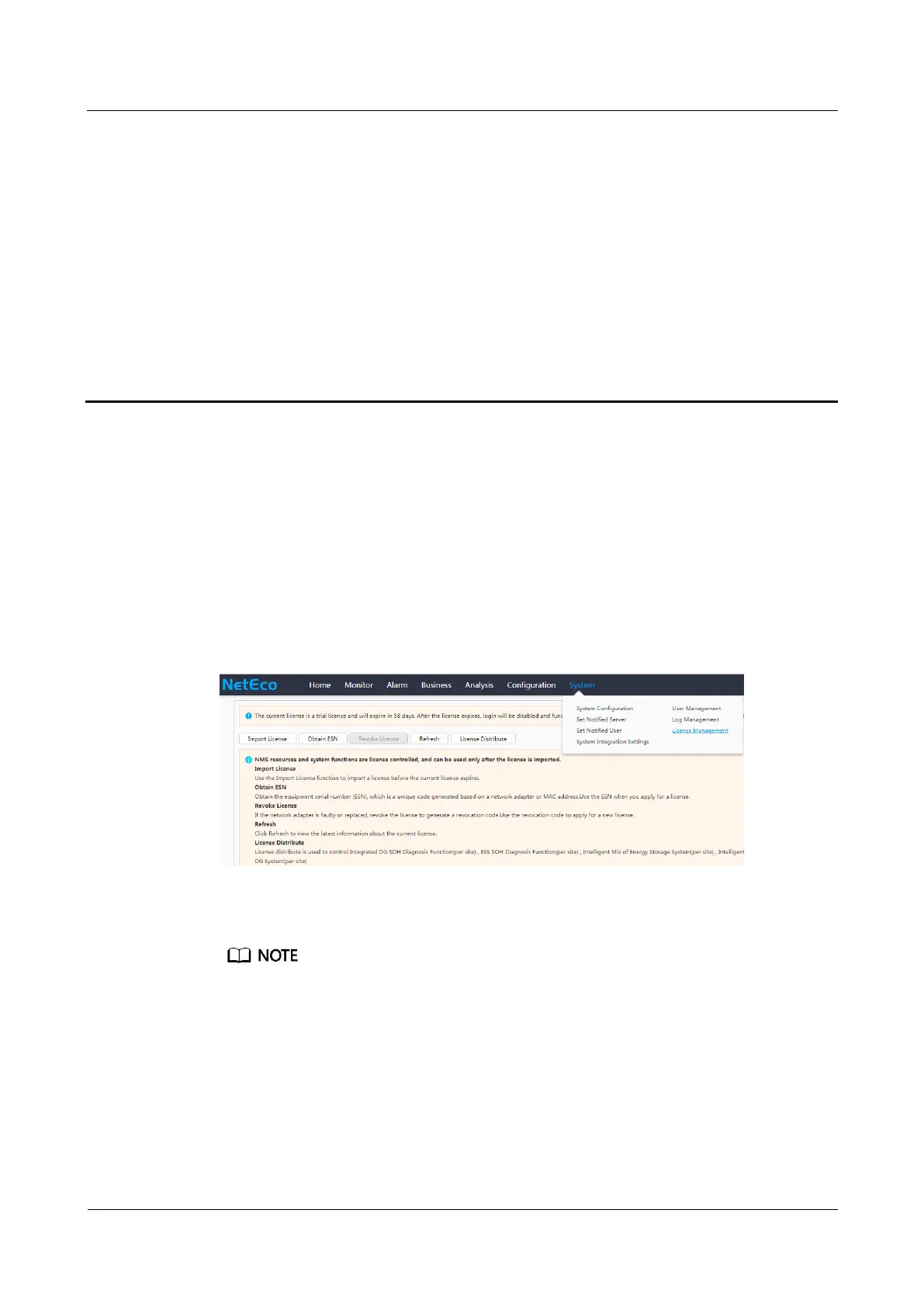
Step 1 Log in to the NetEco WebUI and choose System > License Management.
Figure 6-1 NetEco WebUI
Step 2 Select the ESM and click Deactivate.
After the antitheft function of the ESM is deactivated, the ESM status is displayed as Inactive.





 To Next Page