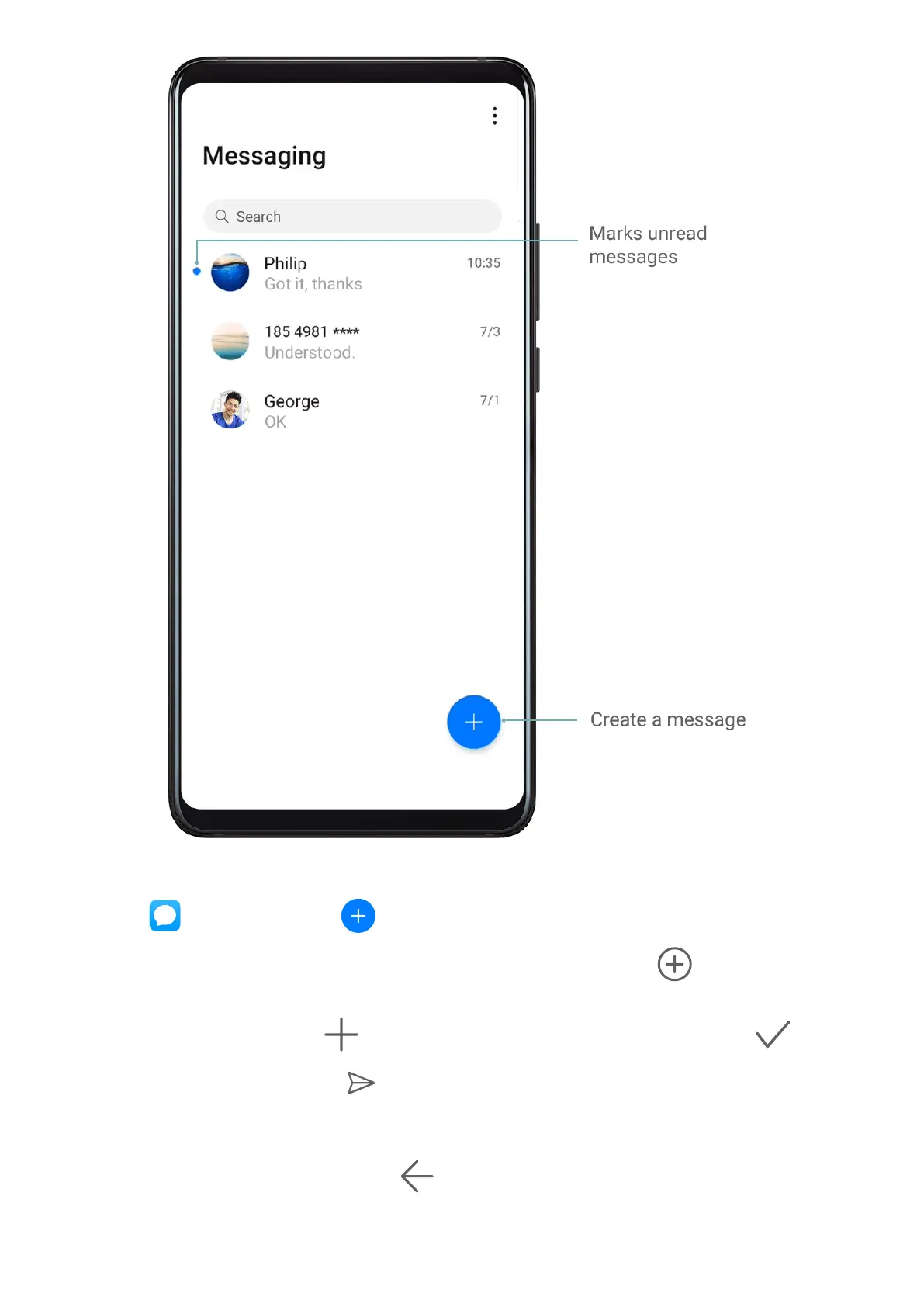
Send Messages
1 Open Messaging, touch .
2 On the New message screen, enter your message content. Touch to add other types
of content such as pictures and audio les.
3 In the recipient box, touch , select contacts or contact groups, then touch .
4 After
nishing editing, touch to send the message.
Save a Draft Message
From the New message screen, touch
to save a draft message.
Apps
105



 To Next Page