View National/Regional Holidays
View national/regional holidays in the calendar to help plan your travel.
1 Go to Calendar > > Settings > National/Regional holidays.
2 Turn on the switch of a country/region, and your phone will automatically download
holiday information for that country/region and display it in the Calendar.
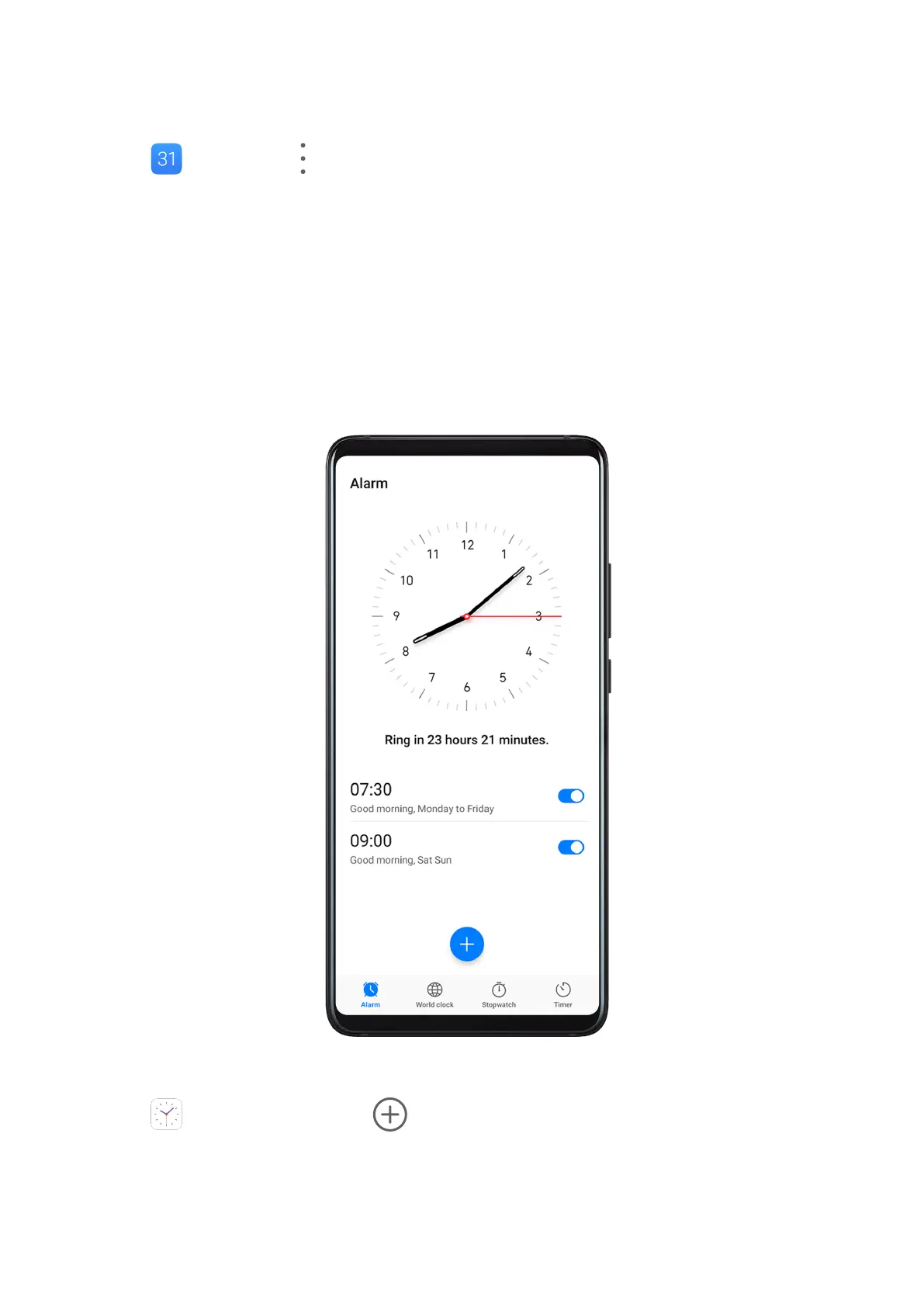
Clock
Alarm
You can set alarms to play a sound or vibrate at
specic times.
Set an Alarm
1 Go to Clock > Alarm, touch , and set a time.
2 Select a sound for the alarm. The sound will play when you select it. You can slide up or
down on the in-screen volume slider to adjust its volume.
3 Set the following options according to your preferences:
Apps
110



 To Next Page