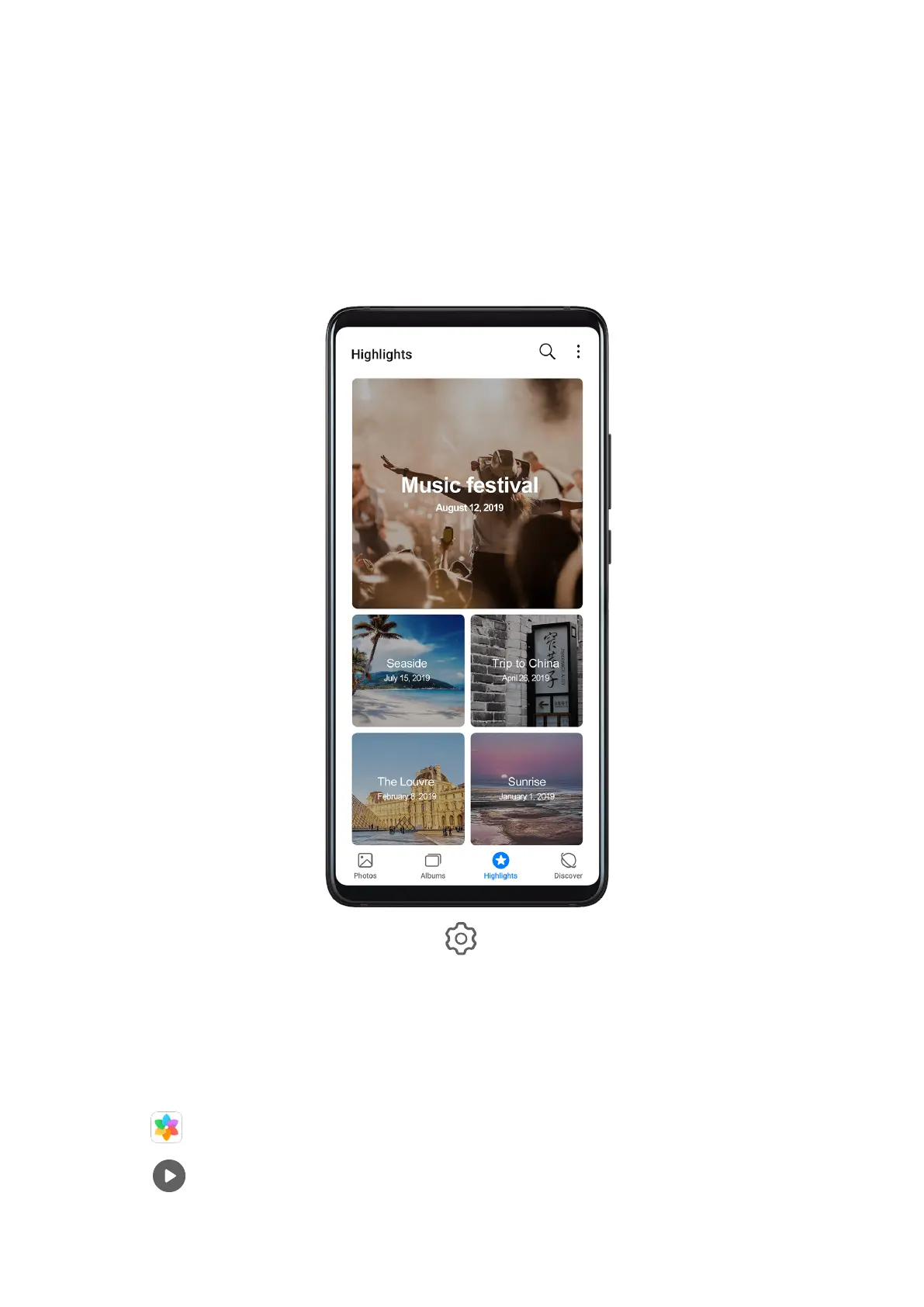
Highlights
Highlights
Gallery automatically creates Highlights albums from your best photos and videos based on
time, location, and theme information, and even generates a short video clip so you can
instantly relive the good times.
• To start using Highlights, go to Camera > and enable Location tag.
• Highlights albums are created automatically when your phone is charging, the screen is
turned o, and the battery is at least 50% charged. This process may take some time.
Highlights albums will not be created if there are fewer than 10 photos or videos in Gallery.
View Highlights Videos
1 Go to Gallery > Highlights and touch an album.
2 Touch to play the video.
Camera and Gallery
87



 To Next Page