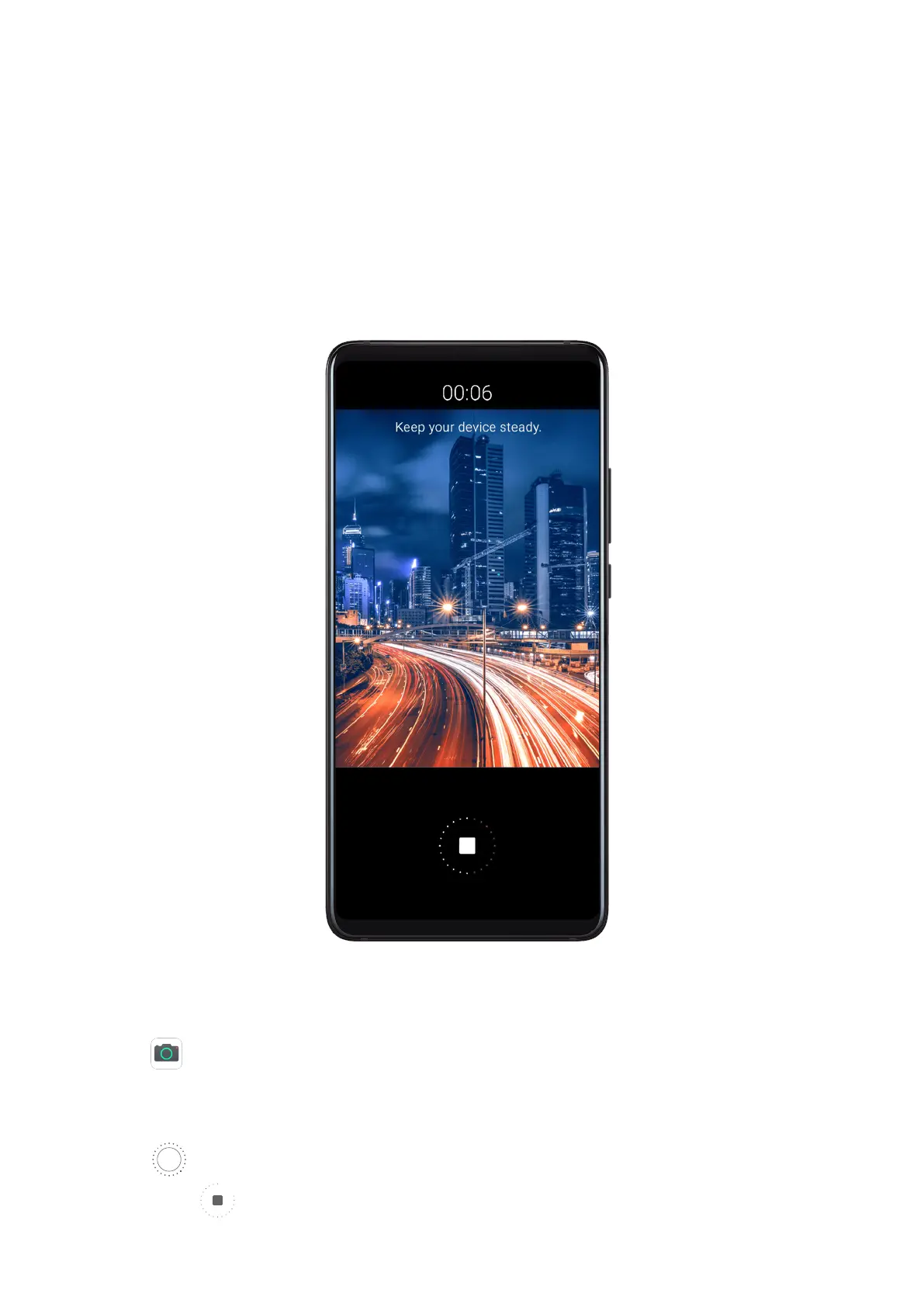
Light Painting
Light Painting
Light painting helps you capture light trails by allowing the shutter to stay open for a longer
time. No manual aperture and shutter adjustment is involved.
Just choose from the available options depending on the subjects and light conditions. To
reduce camera shake, a tripod is recommended to steady your phone.
Capture Car Light Trails in Trac Trails Mode
Trac trails mode lets you create artistic photos of car tail lights at night.
1 Go to
Camera > More > Light painting > Trac trails.
2 Find a spot where you'll see the light trails created by cars from a distance. Ensure that
car headlights do not point directly at the camera, as this can overexpose the image.
3 Touch to start shooting. Observe the shot in the viewnder. When the exposure is just
right, touch to nish shooting.
Camera and Gallery
63



 To Next Page