4 Touch to pause and to end the recording.
AI Movie Eects
AI Movie Eects
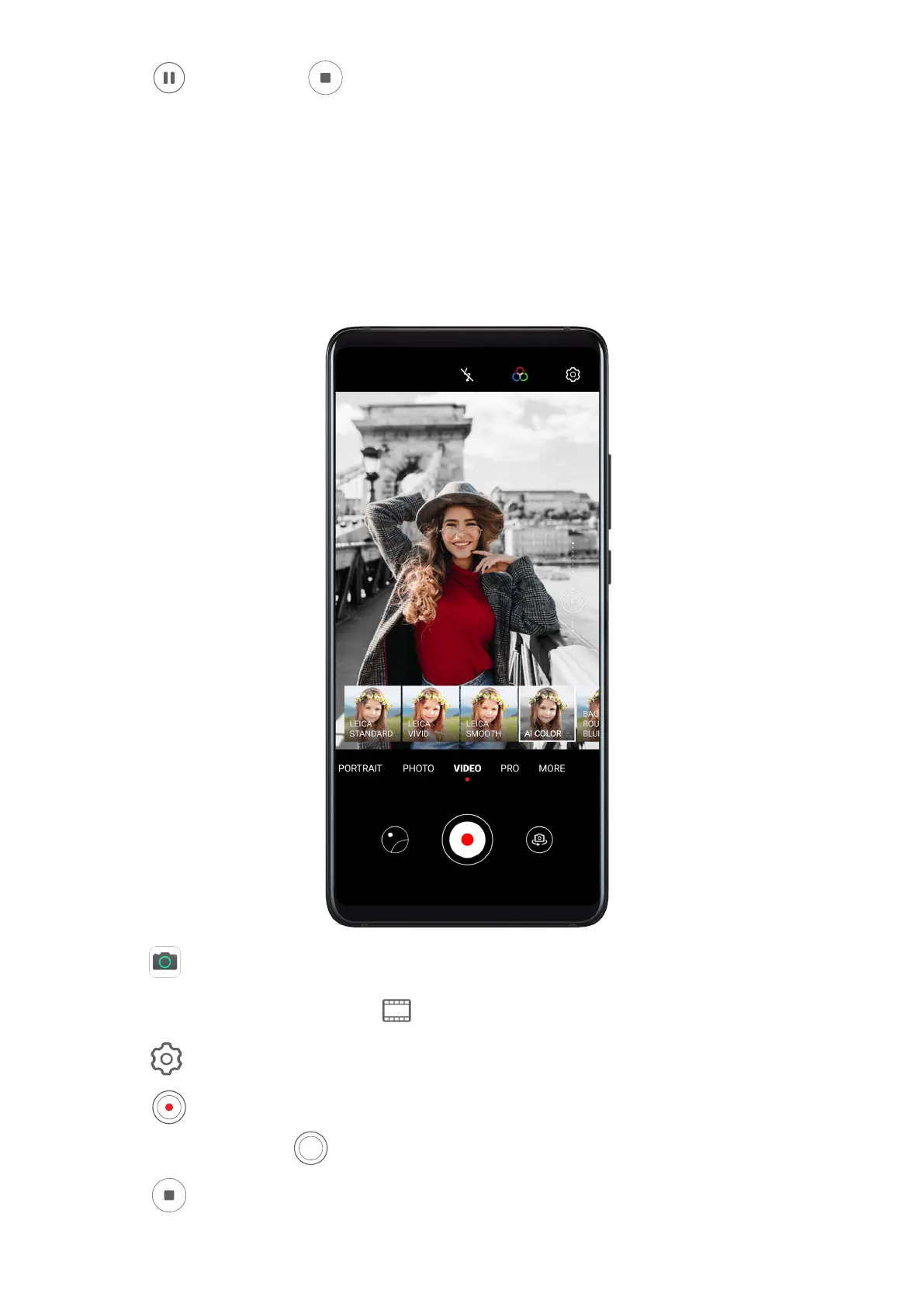
Enable AI movie eects to add unique artistic eects to your videos without the need for any
post-processing.
1 Open Camera and select Video mode.
2 Switch to the rear camera, touch , and select a special eect.
3 Go to > Resolution and select 21:9 to give your video a cinematic character.
4 Touch
to start recording.
While recording, touch to take a photo with the selected special eect.
5 Touch to end the recording.
Camera and Gallery
70



 To Next Page