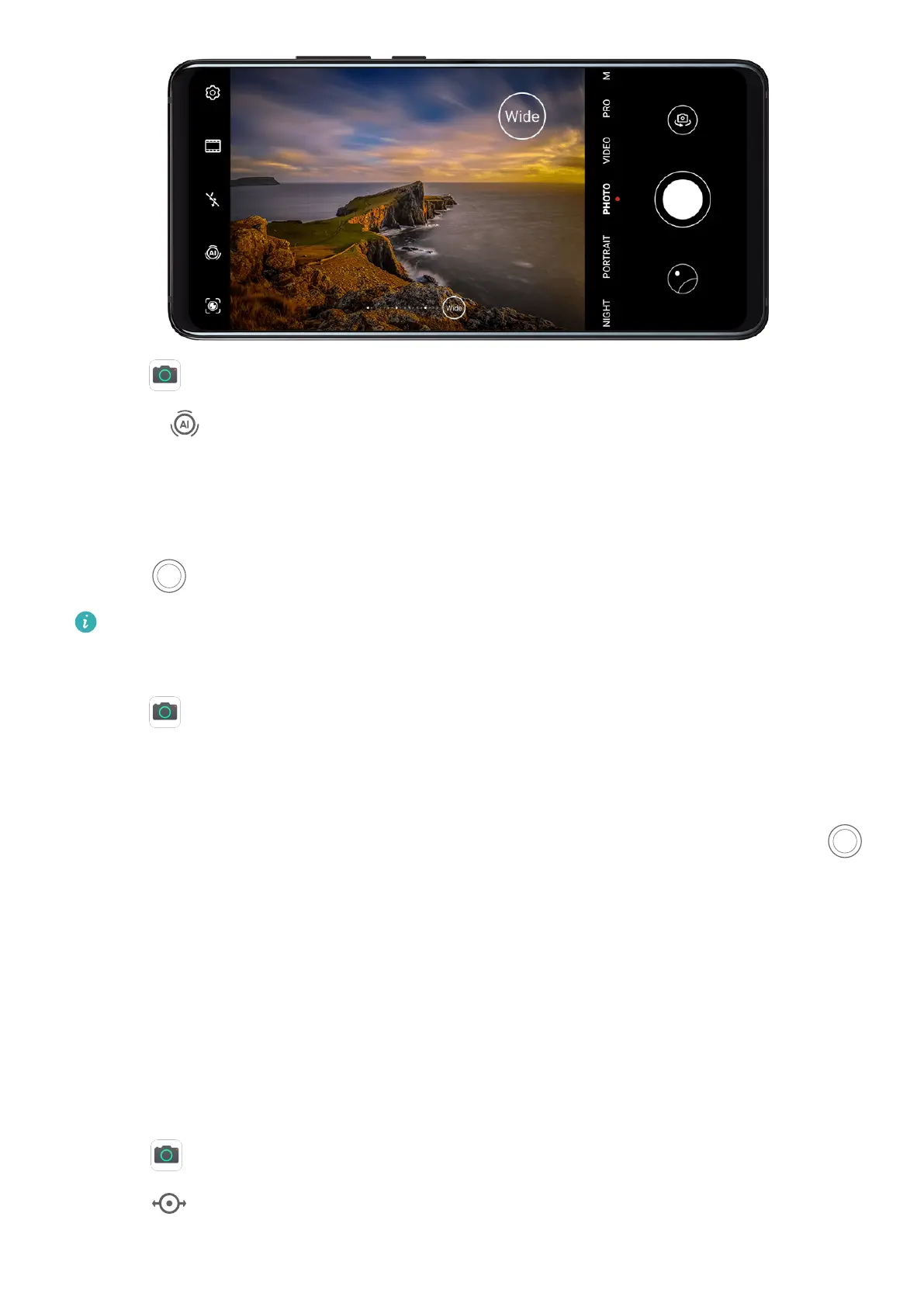
1 Open Camera and select Photo mode.
2 Turn on to enable Master AI.
3 Aim the camera at the building you want to take a photo of.
If the camera does not automatically recommend Wide mode, you can drag the zoom
slider in the viewnder, or pinch or spread two ngers to adjust the zoom level. A smaller
value will result in a wider eld of view.
4 Touch to take a photo.
You will not be able to adjust the zoom when the resolution is set to the maximum.
Take Long-Focus Photos
1 Open Camera and select Photo mode.
2 Aim the camera at the distant object you want to shoot. Drag the zoom slider, or pinch or
spread two ngers to adjust the zoom.
You will not be able to adjust the zoom when the resolution is set to the maximum.
3 In the viewnder, touch where you want to focus. When the camera is in focus, touch .
Take Panoramic Photos
Take Panoramic Photos
Add breadth to your landscape or group photos with the Panorama feature. The camera
takes multiple photos of objects within your
eld of view and stitches them together into a
single panoramic photo.
Use the Rear Camera to Take Panoramic Photos
1 Go to
Camera > More and select Panorama mode.
2 Touch
at the bottom of the viewnder to set the pan direction.
Camera and Gallery
60



 To Next Page