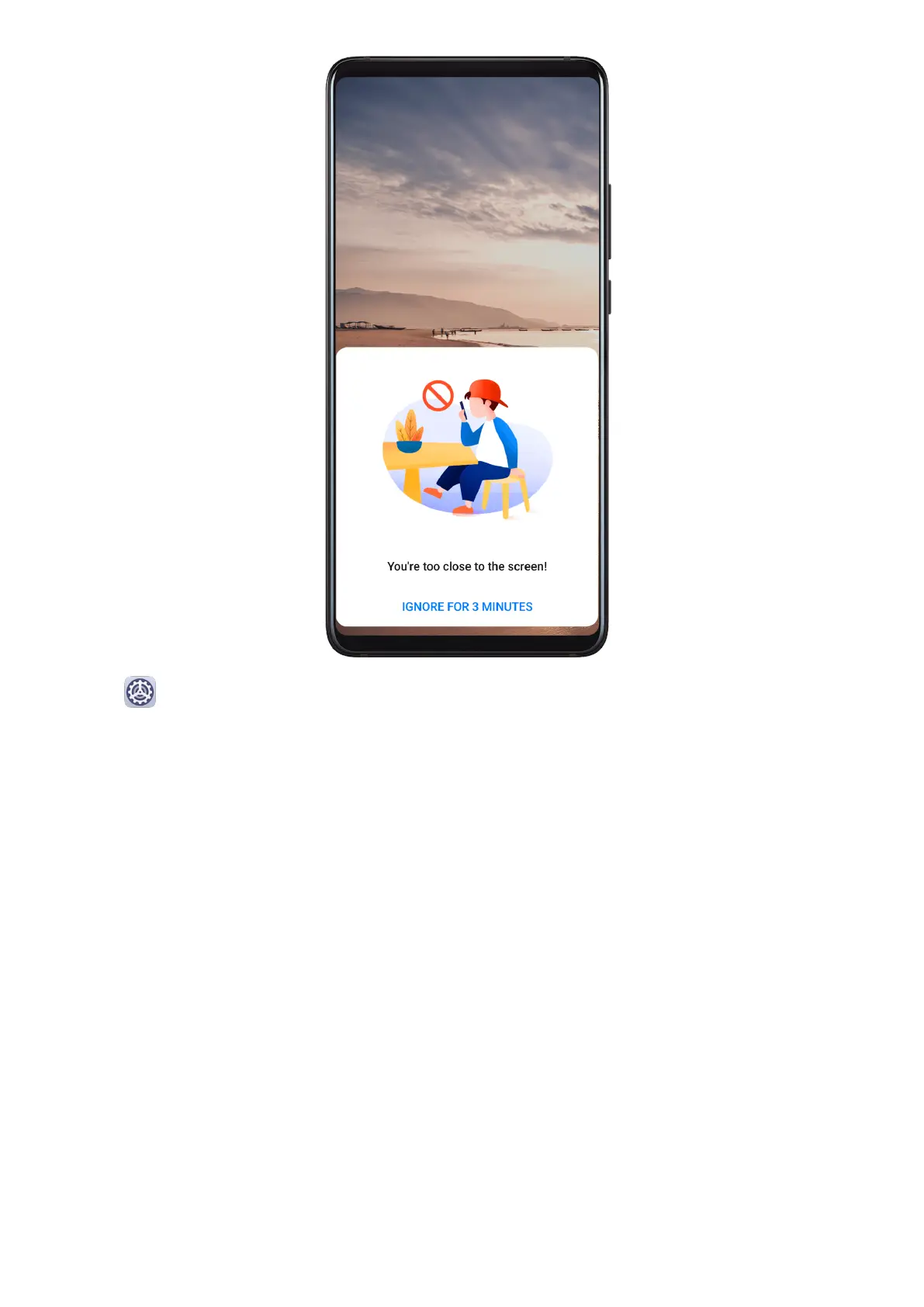
Go to Settings > Digital balance, and enable or disable Posture alerts according to your
preference.
Accessibility Features
Accessibility
Screen reader apps are designed to assist visually impaired users to use a phone.
Enable Color Correction to Customize the Screen Color
Color correction helps people with poor eyesight see the screen content more easily.
1 Go to Accessibility > Color correction and enable Color correction.
2 Touch Correction mode to select a color correction mode.
Use
Magnication Gestures
Use magnication gestures to zoom in on the screen.
On the Accessibility > Magnication screen, touch Magnication, then enable it.
Zoom in or out by touching the screen three times in a row.
• While zoomed in, spread two or more ngers to further zoom in, then pinch two or more
ngers together to zoom back out.
Settings
186



 To Next Page