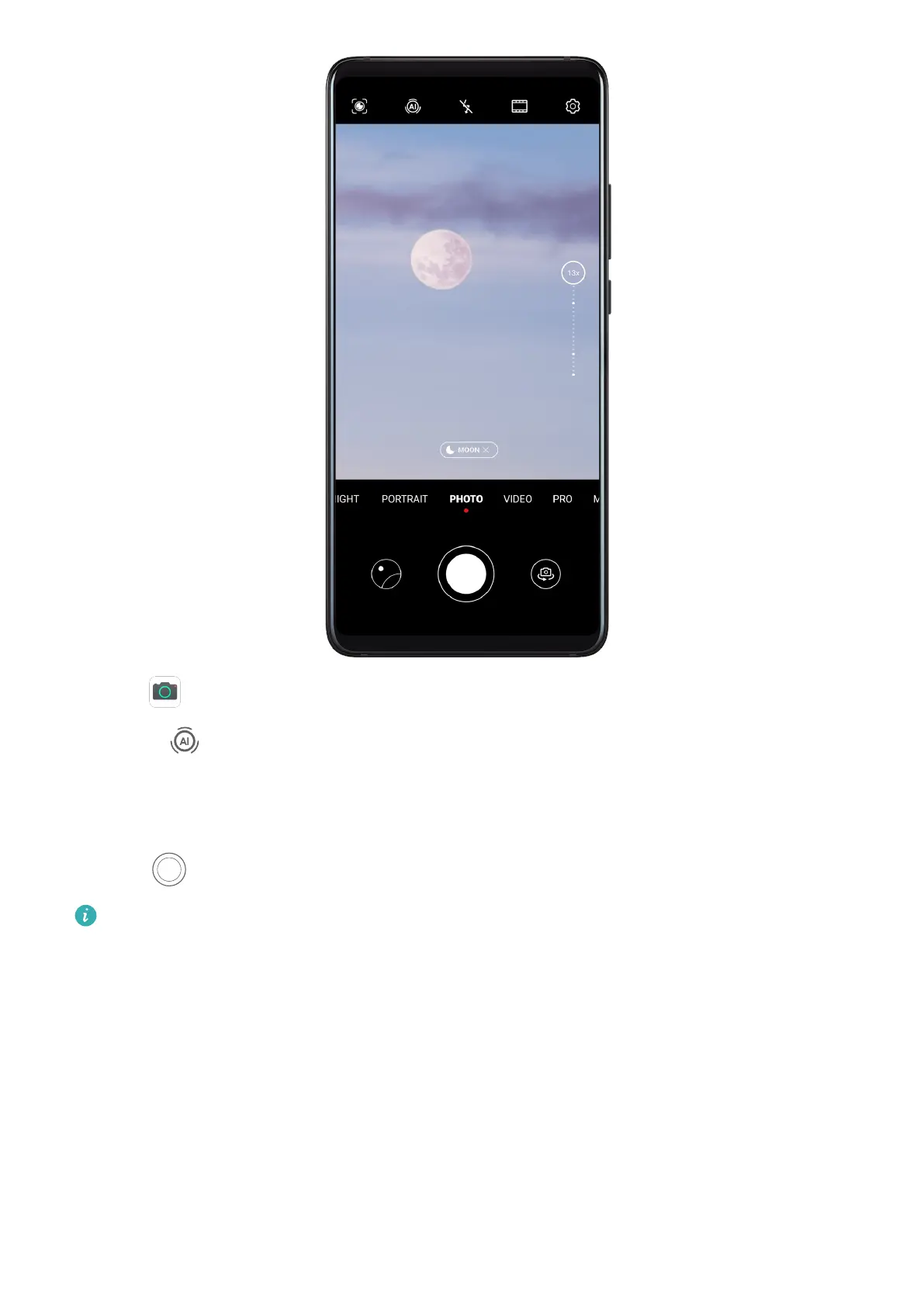
1 Open Camera and select Photo mode.
2 Turn on
to enable Master AI.
3 Aim the camera at the moon and spread your ngers on the viewnder to adjust the
zoom to 10x or more. When your phone detects the moon, it will automatically enter
Moon mode.
4 Touch
to take a photo.
Moon mode can only identify the moon if it is at least half full. Moon mode may not be
triggered if the moon is shrouded by clouds.
Take Wide-Angle or Long-Focus Photos
Take Wide-Angle or Long-Focus Photos
The zoom capabilities of your device's camera allow you to capture more of a scene, or
distant vistas.
Take Wide-Angle Photos
Camera and Gallery
59



 To Next Page