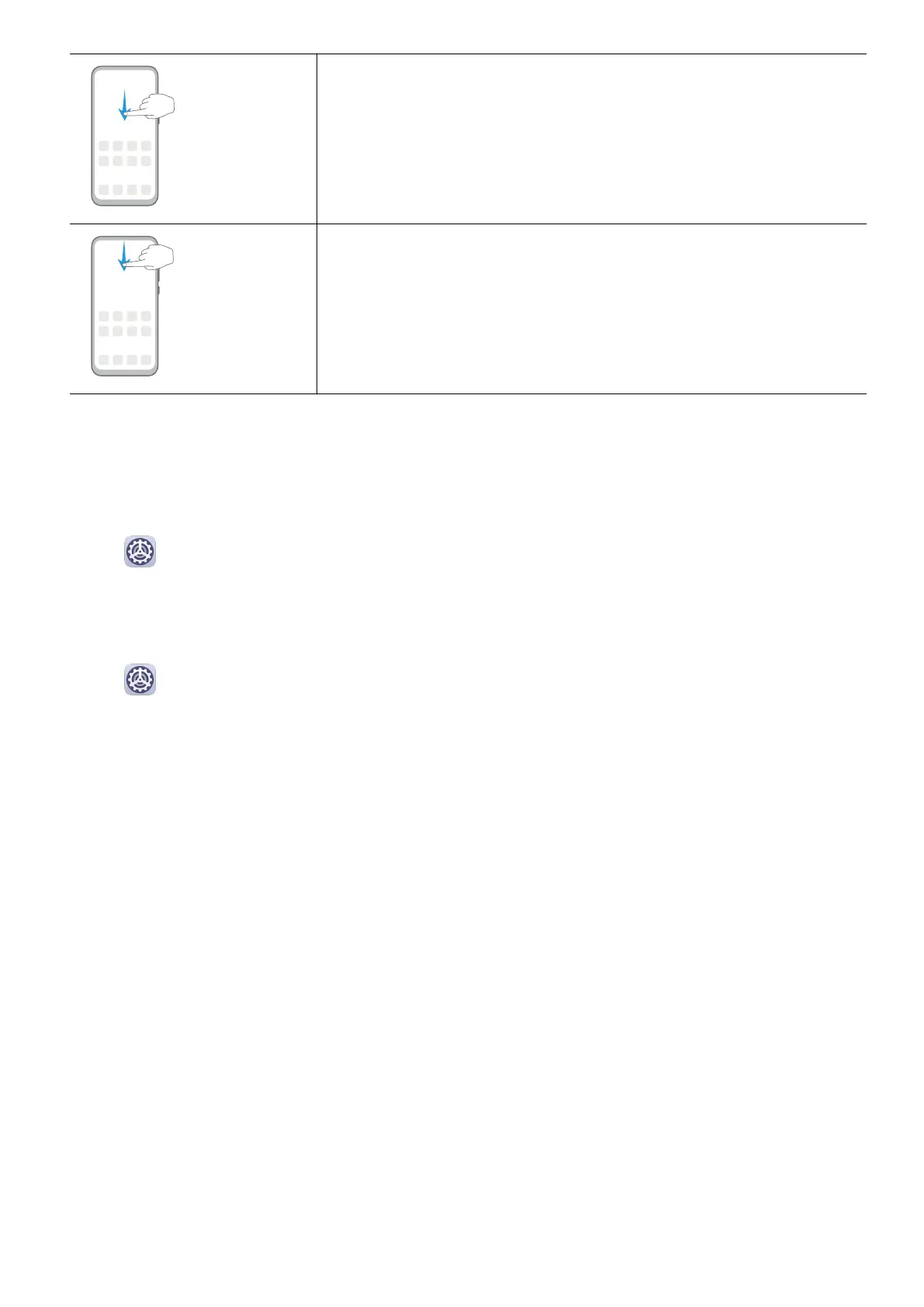
Display the search bar
Swipe down on the home screen.
Open the notication panel
Swipe down from the status bar.
System Navigation
Change the Navigation Mode
Go to Settings > System & updates > System navigation to select a navigation mode
according to your preferences.
Navigate with Gestures
Go to Settings > System & updates > System navigation, and enable or disable
Gestures.
Essentials
4



 To Next Page