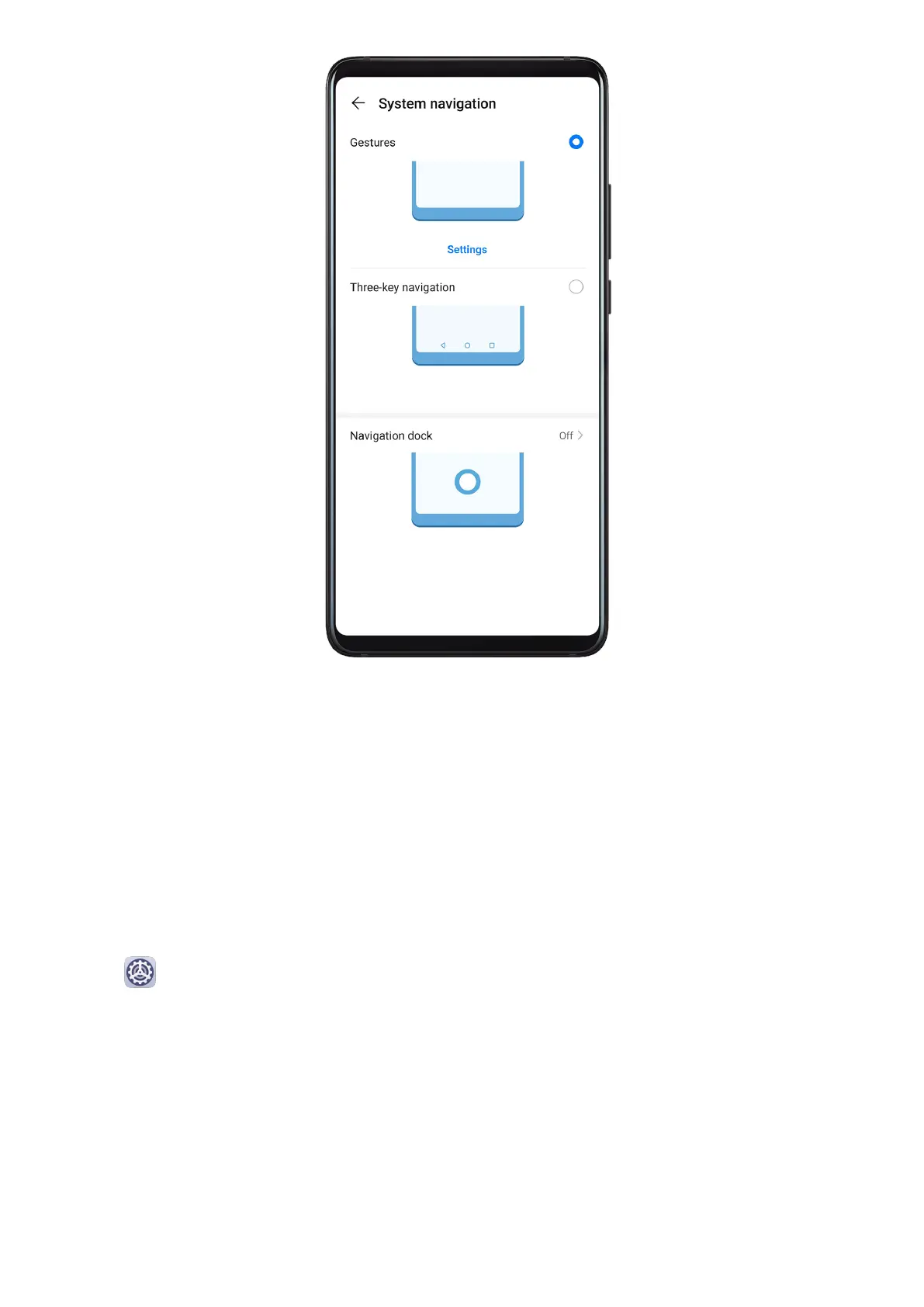
With Gestures enabled, you can:
• Go back to the previous screen: Swipe inward from the left or right edge.
• Return to the home screen: Swipe up from the bottom of the screen.
• Access the recent tasks screen: Swipe up from the bottom of the screen and hold.
• Close an app from the recent tasks screen: Swipe up on an app preview.
• Access in-app menus: In applicable third-party apps, swipe inward from the left or right
edge near the top of the screen.
Three-Key Navigation
Go to
Settings > System & updates > System navigation, and select Three-key
navigation.
Essentials
5



 To Next Page