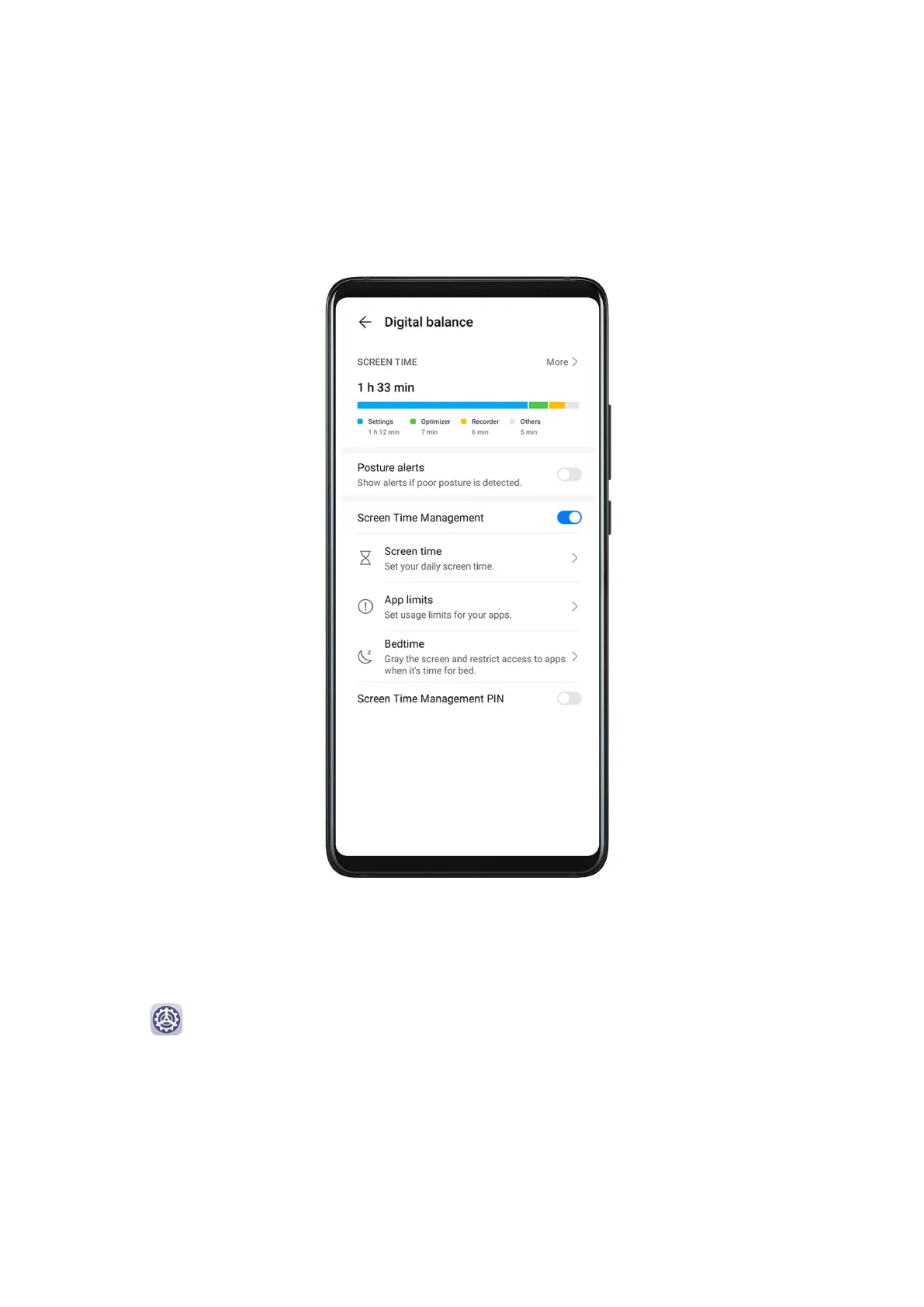
Digital Balance
Digital Balance
Digital balance helps you
nd out how much screen time you spent on your phone, and lets
you set your daily screen time, app limits, and bedtime schedule.
Set Screen Time for Your Phone
Fine-tune your phone usage habits by setting a daily screen time limit, individual app time
limit, and away time.
1 Go to
Settings > Digital balance, and touch START.
2 Select Me, and touch OK.
3 Now you can:
• Touch Screen time, and set your daily screen time limit for your phone.
• Touch App limits, select an app for which you need to set a usage limit, and set a time
limit.
• Go to Away time > Add, and schedule time away from your phone.
Settings
184



 To Next Page