Mute the Shutter Sound
Enable Mute to mute the camera shutter sound.
Capture Smiles
Enable Capture smiles. The camera will take a photo automatically when it detects a smile
in the viewnder.
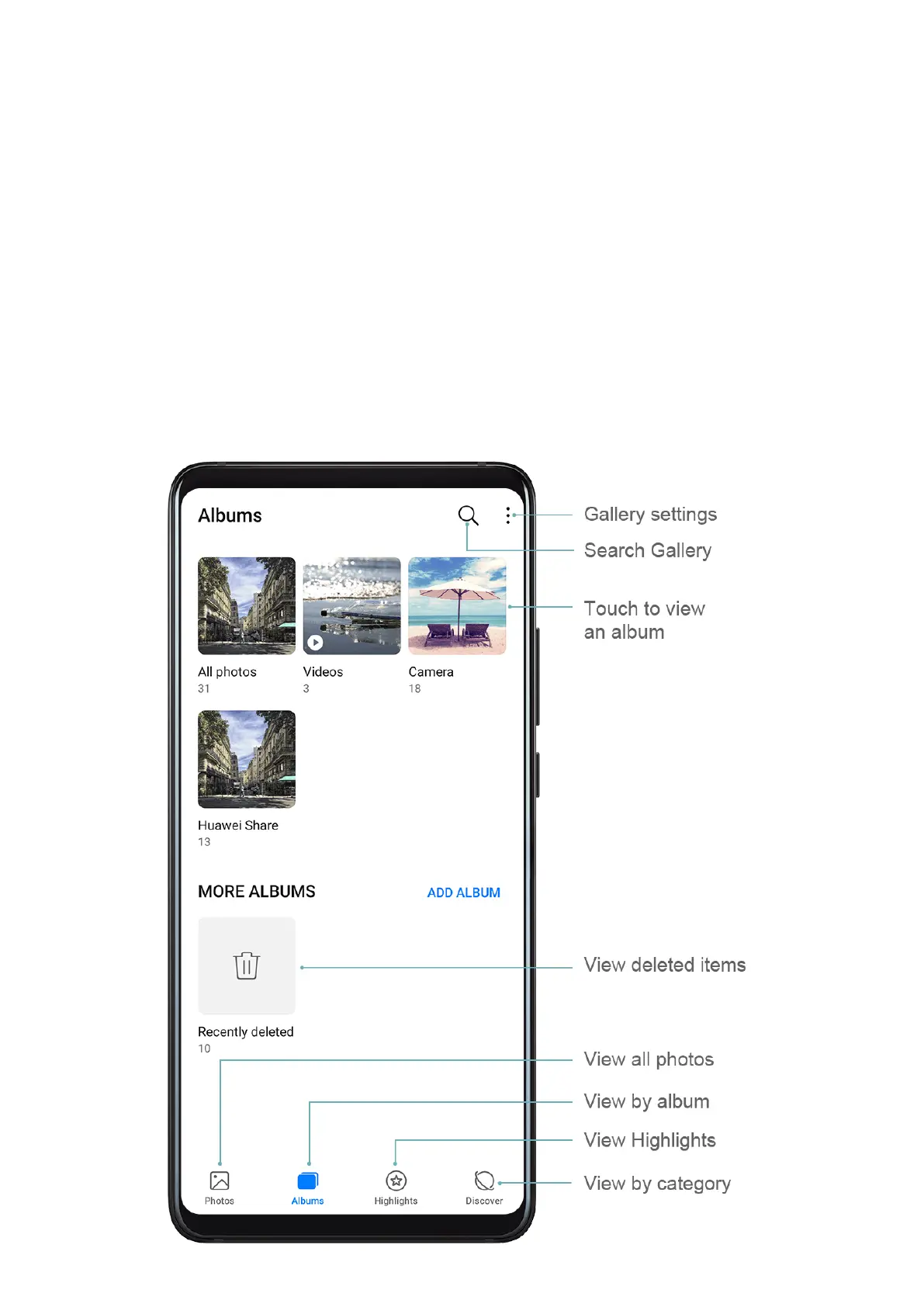
Manage Gallery
View Photos and Videos
In Gallery, you can view, edit, and share your photos and videos, as well as browse the clips
automatically generated from them.
Camera and Gallery
76



 To Next Page