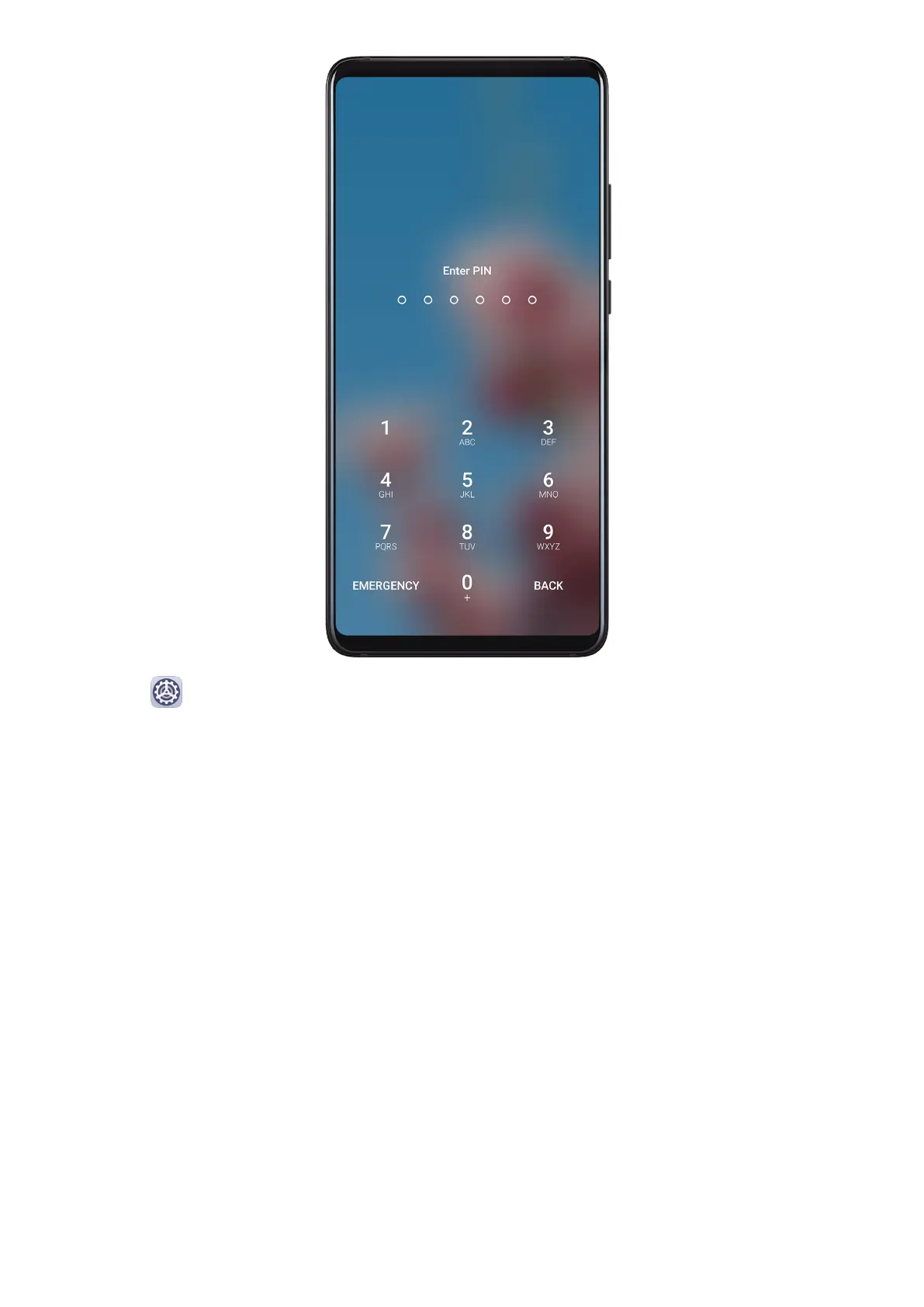
1 Go to Settings > Biometrics & password and touch Lock screen password.
2 Enter a password containing 6 digits.
3 Alternatively, touch Change unlock method and select a password type, then follow the
onscreen instructions to input a new password.
Change the Lock Screen Password
1 On the Biometrics & password screen, go to Change lock screen password.
2 Enter the original lock screen password.
3 Enter a new password, or touch Change unlock method to select a password type, then
follow the onscreen instructions to input a new password.
Disable Lock Screen Password
On the Biometrics & password screen, go to Disable lock screen password.
Apps
Settings
171



 To Next Page