• Drag the screen with two or more ngers to view other parts of the screen.
Enable Color Inversion
Color inversion allows you to invert the color of the text and the background. When Color
inversion is enabled, your phone will display text in white and the background in black.
On the Accessibility screen, enable Color inversion.
Adjust the Touch and Hold Delay
Touch & hold delay allows you to adjust the time the screen takes to respond when you
touch and hold something.
On the Accessibility screen, touch Touch & hold delay, then select a delay option according
to your preferences.
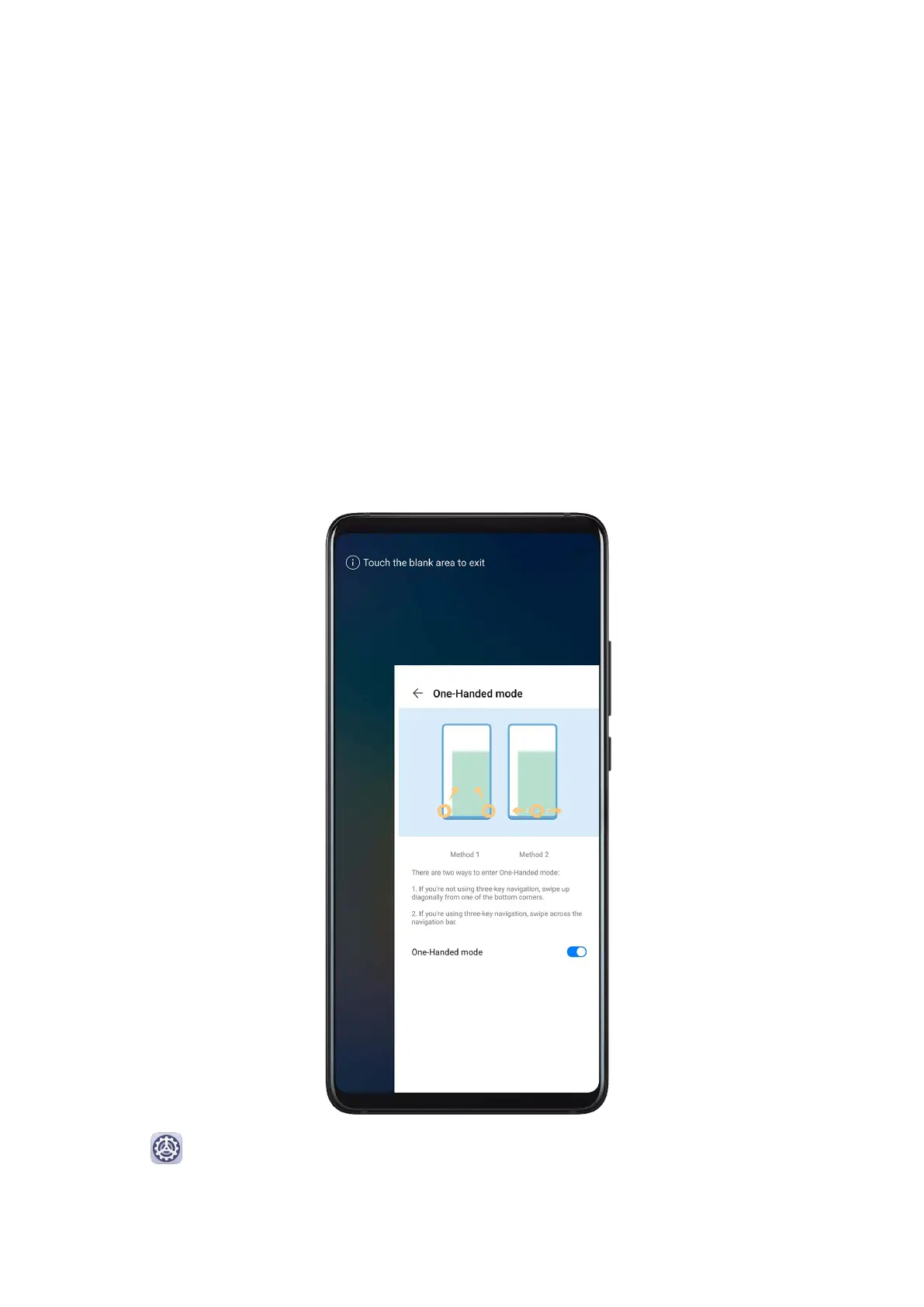
One-Handed Mode
You can switch to a mini screen view so you can easily use your device with one hand.
1 Go to Settings > Accessibility features > One-Handed mode and enable One-
Handed mode.
2 Access One-Handed mode using one of the following methods, depending on the
navigation mode you are using on your phone.
Settings
187



 To Next Page