• If you're using gesture navigation, swipe up diagonally from one of the bottom
corners.
• If you're using three-key navigation, swipe left or right across the navigation bar.
3 Touch the blank area to exit.
Air Gestures
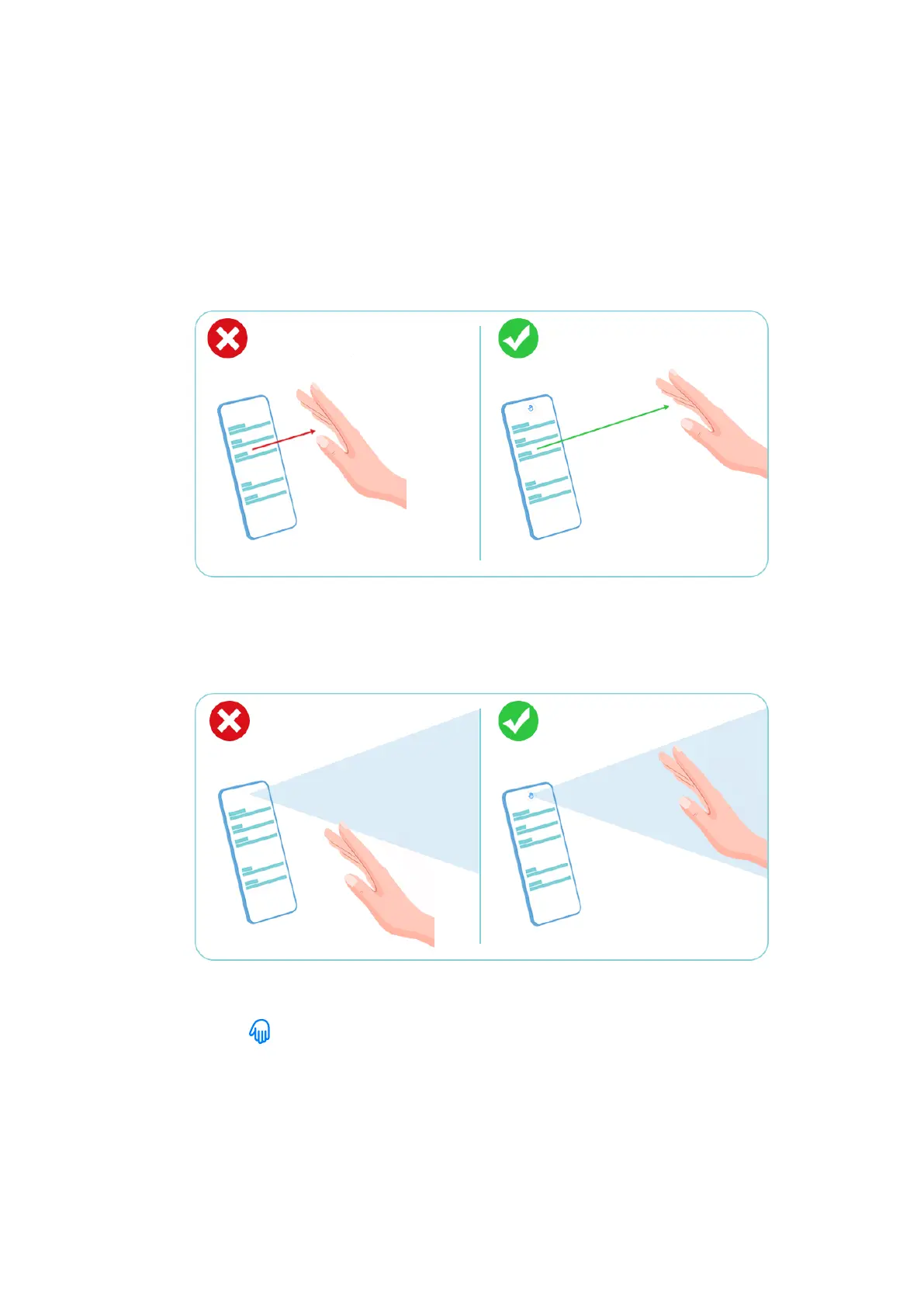
1 Make sure that your hand is placed about half an arm's length away from the screen.
2 Place your hand in front of the upper part of the screen in order for the sensor on the top
of the screen to detect it.
3 To scroll up, place the back of your hand in front of the screen with your ngers pointing
downwards until appears. Then gently wave your hand upwards.
Settings
188



 To Next Page