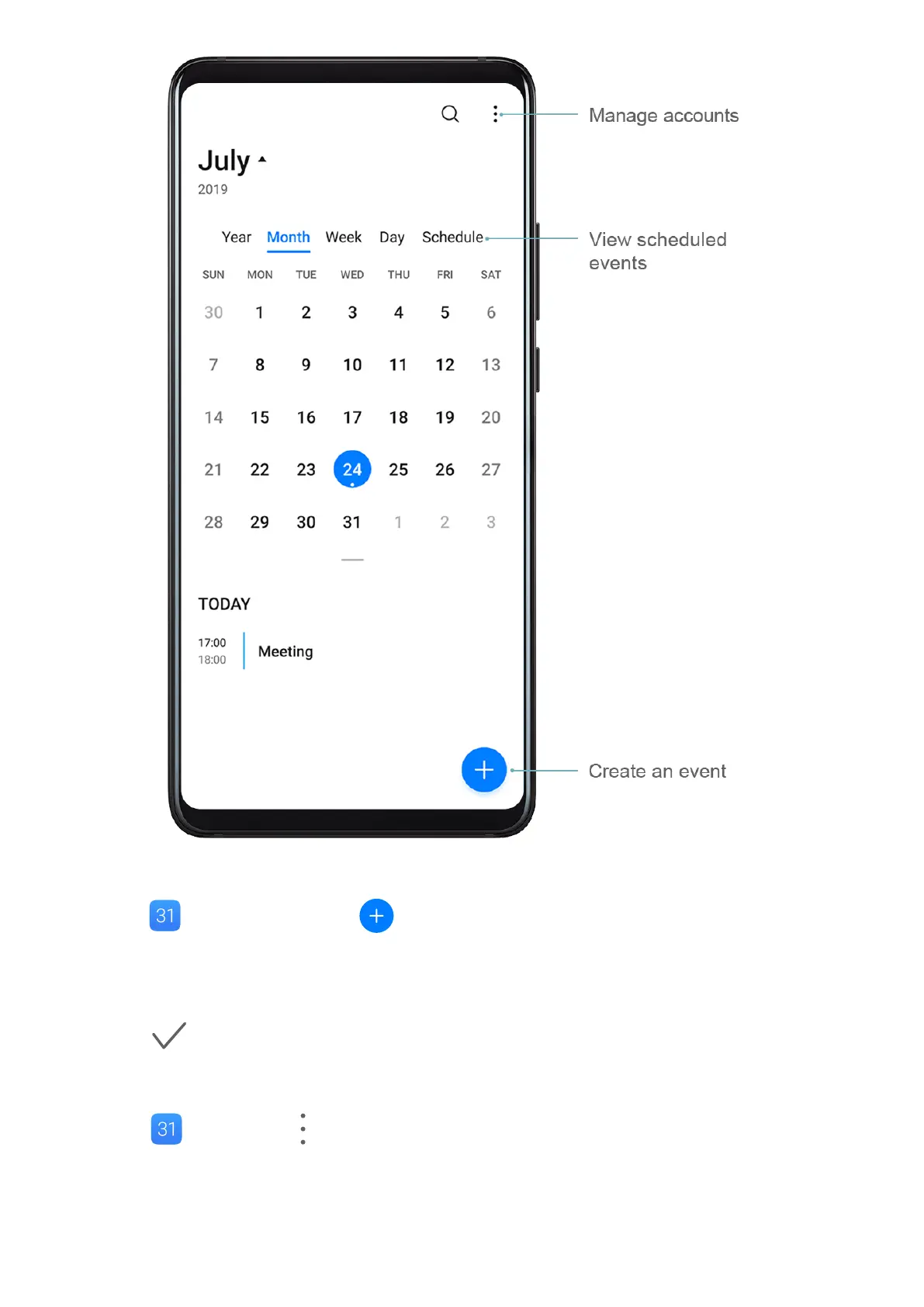
Create an Event
1 Open Calendar and touch .
2 Enter the details of the event, such as the title, location, and start and end times.
3 Touch Add reminder to set the reminder time for the event.
4 Touch to save the event.
Import Meeting Reminders
1 Go to Calendar > > Manage accounts.
2 Touch Add account, then follow the onscreen instructions to add your work emails (from
your Exchange account) to the calendar to see meeting reminders.
Apps
108



 To Next Page