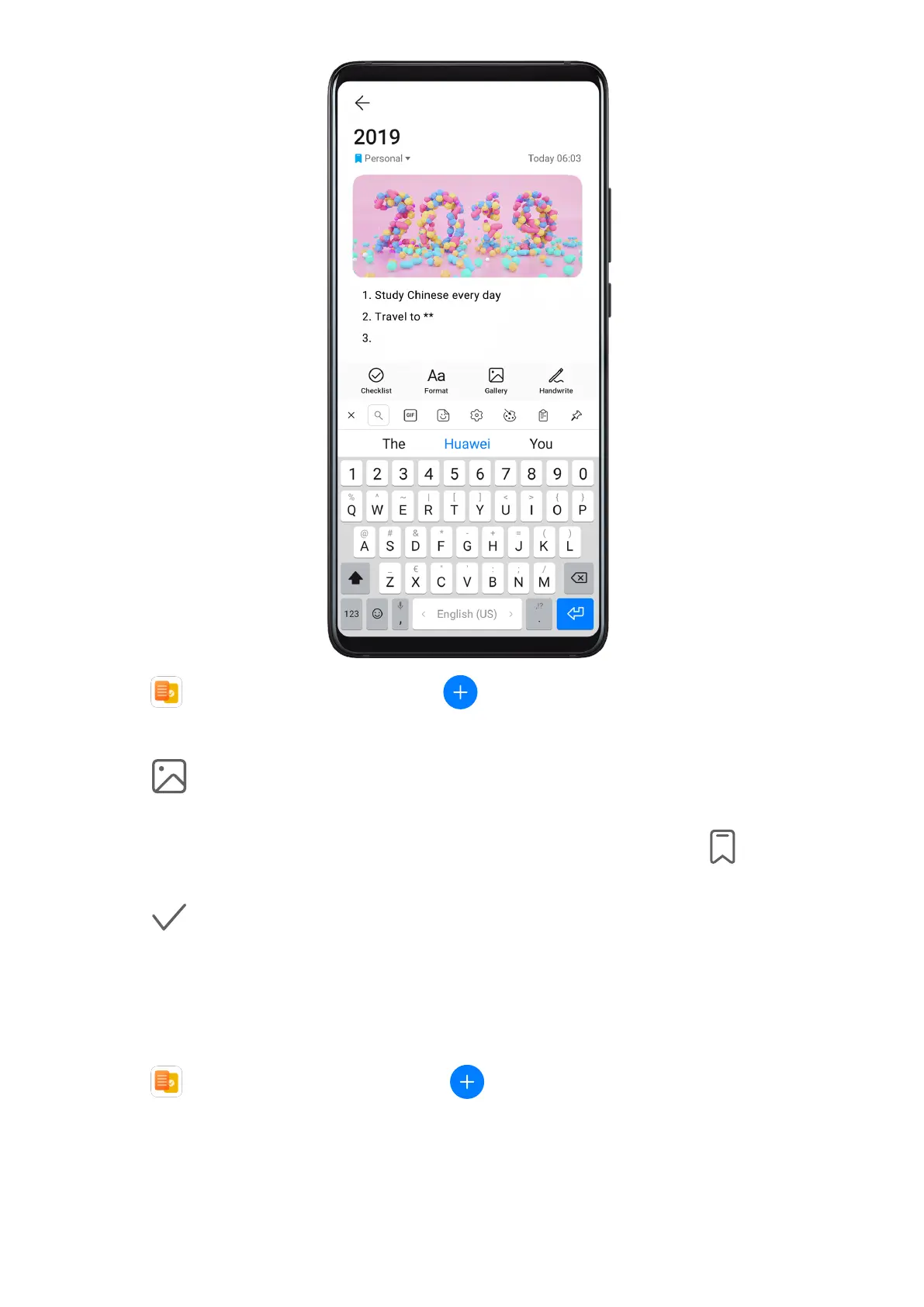
1 Go to Notepad > Notes, then touch .
2 Enter the title and content of the note.
3 Touch to insert a picture into the note as needed. Touch and hold the picture, then
drag it to the desired position in the note.
4 If you want to organize your notes for easier access and viewing, touch to add a tag
to your note after nishing it.
5 Touch to save the note.
Create To-Dos
You can create to-dos with a set time to remind you to complete them.
If you set a time, your phone will send you a reminder
notication at the specied time.
1 Go to
Notepad > To-dos, then touch .
2 Enter your to-do.
3 Touch Save.
Apps
114



 To Next Page