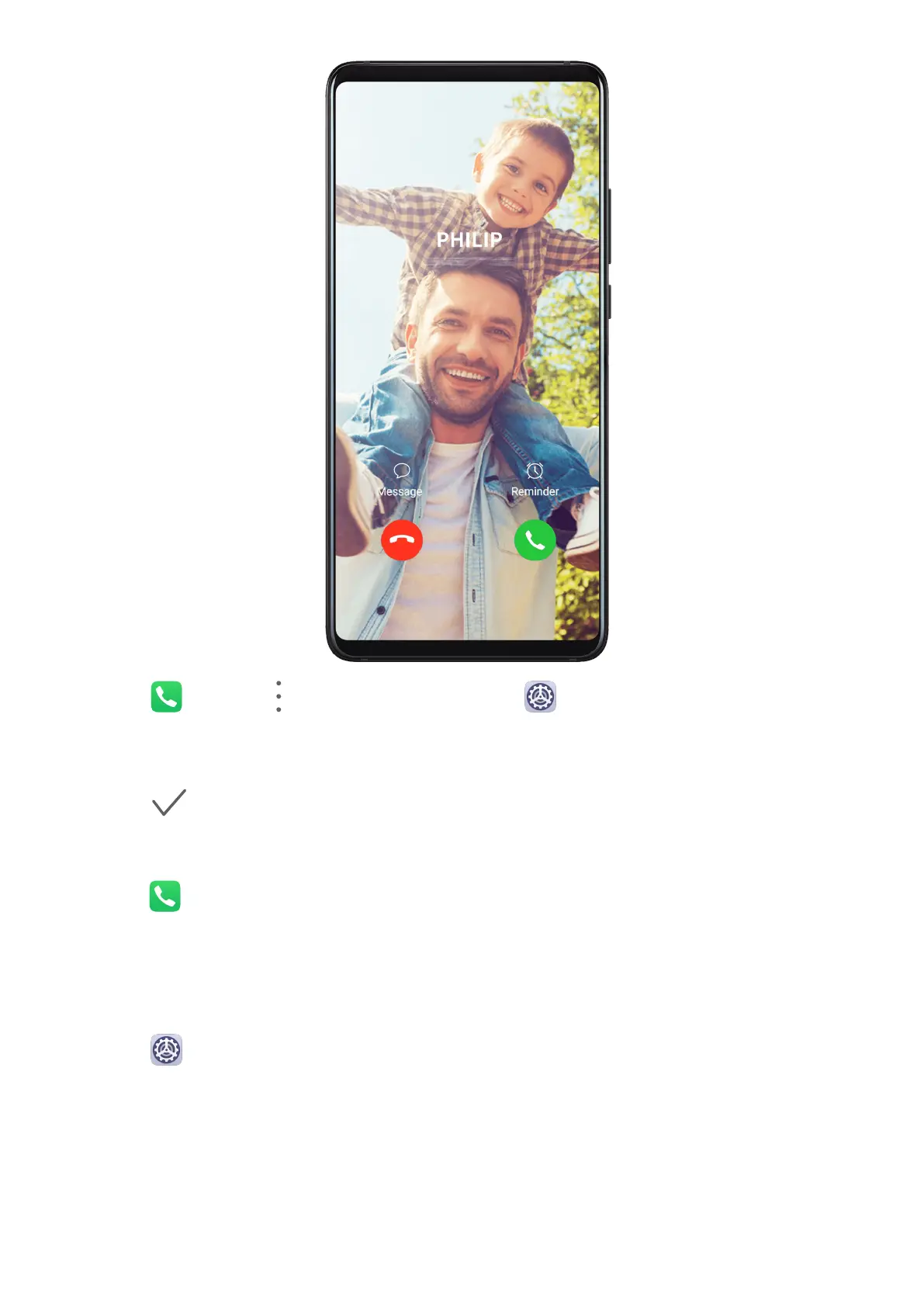
1 Go to Phone > > Settings > Ringtone or Settings > Sounds & vibration >
Ringtone.
2 Touch Video ringtones and select a video to preview the
eect for incoming calls.
3 Touch to set the video as the ringtone.
Set a Ringtone for a Contact
1 Open
Phone, touch the Contacts tab at the bottom of the screen, then select the
contact you want to set a ringtone for.
2 On the contact details screen, touch Ringtone and select a ringtone.
Set the SMS
Notication Tone
1 Go to Settings > Sounds & vibration, then touch Messaging tone.
2 If two SIM cards are being used, you can set SMS notication tones for them individually.
3 Select a preset tone, or touch Music on device to select a local song as the SMS
notication tone.
Settings
162



 To Next Page