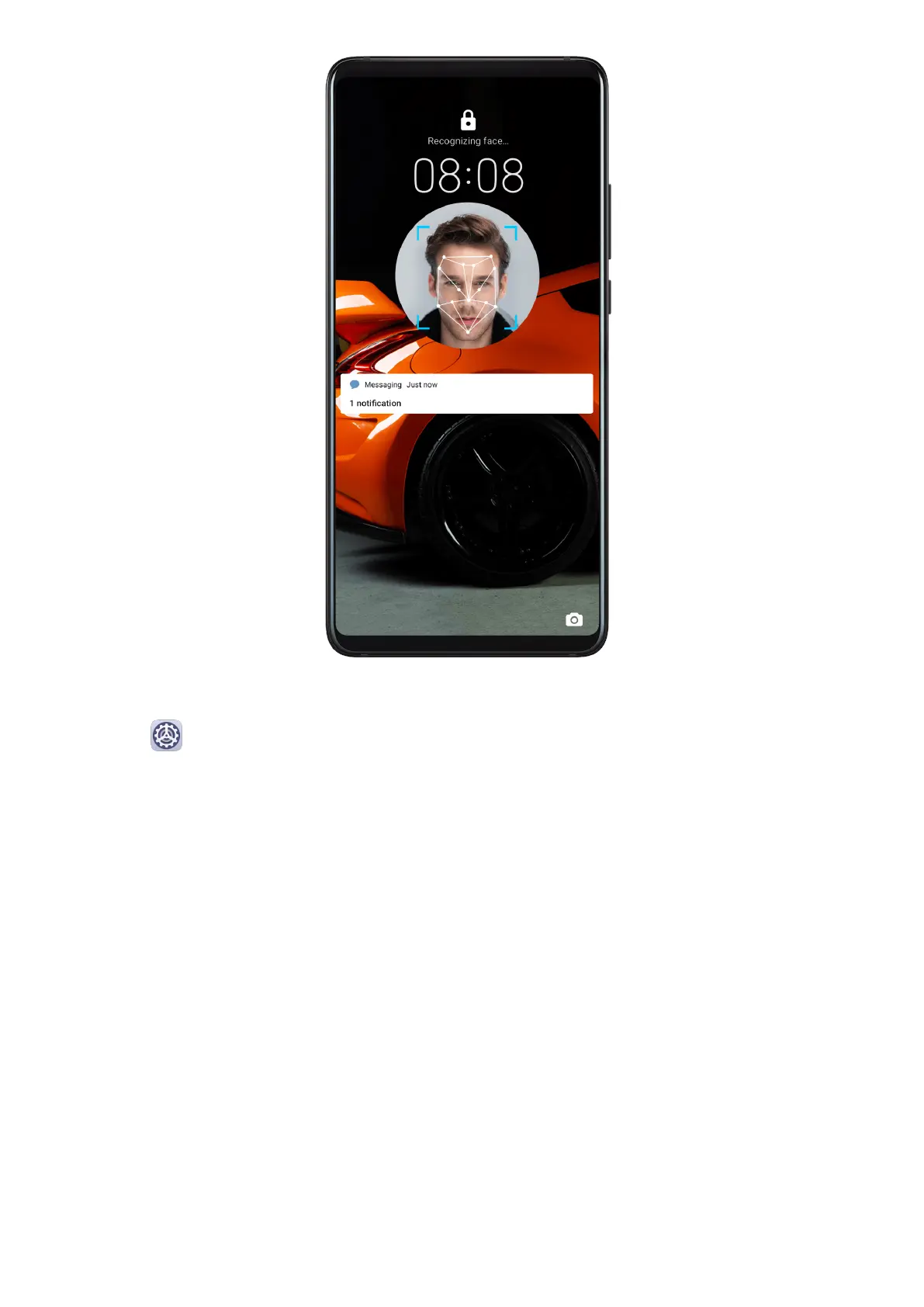
Enroll Facial Data
1 Go to
Settings > Biometrics & password > Face Recognition, and enter your lock
screen password.
If you have not set a lock screen password, set a 6-digit PIN or touch Change unlock
method to set up another type of password.
2 Select Enable raise to wake.
3 Touch Get started and follow the onscreen instructions to enroll your facial data.
Settings
168



 To Next Page