Cancel or Disable App Lock
On the App Lock settings screen, do the following:
• Cancel App Lock: On the list of locked apps, toggle o the switches beside the apps for
which you want to cancel App Lock.
• Reset App Lock: Go to > Disable App Lock > DISABLE. This will cancel all locks, and
clear all App Lock settings.
Smart Unlock
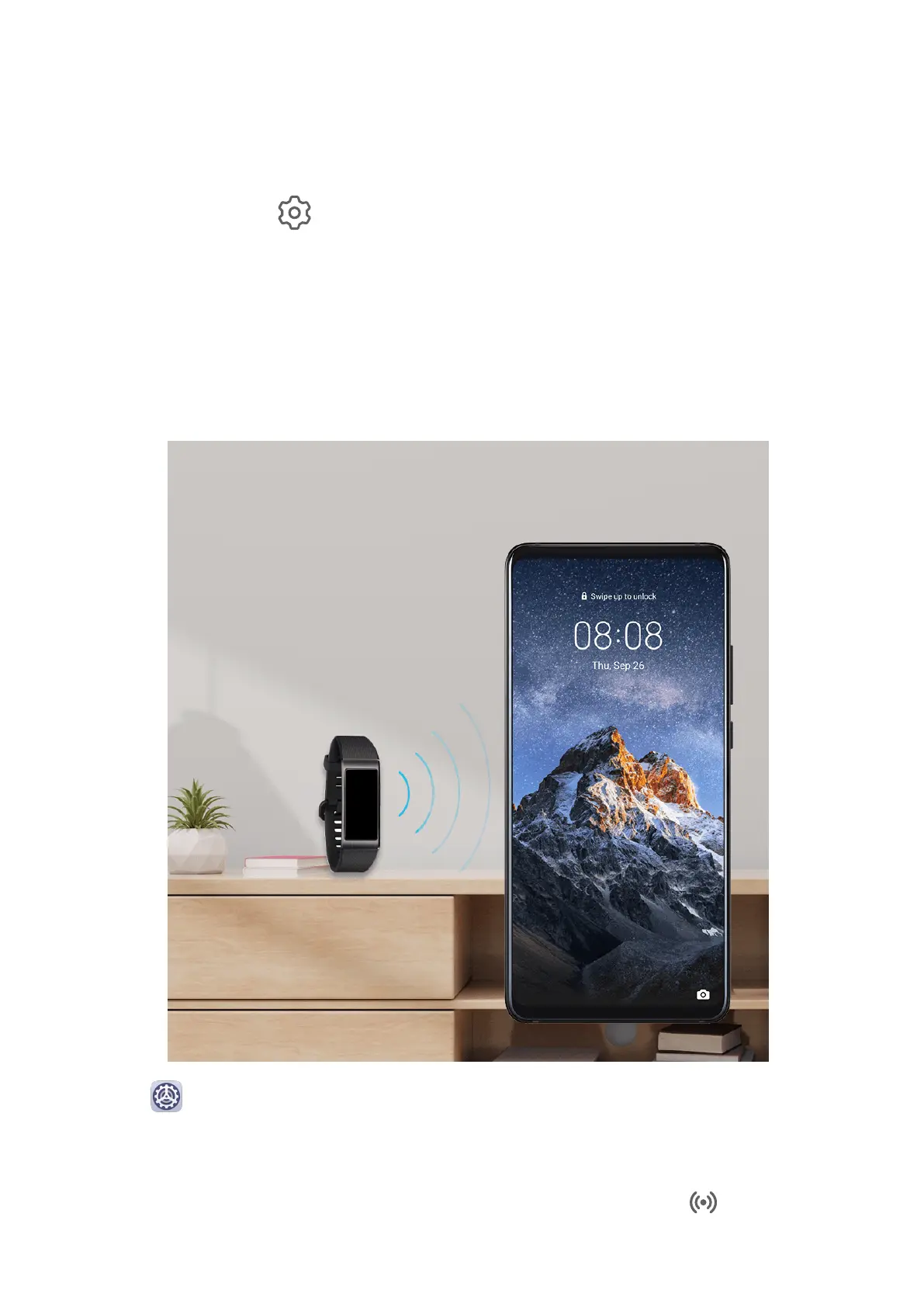
Smart Unlock enables you to unlock your phone with a Bluetooth device, like a smart band.
When a compatible Bluetooth device is detected, you can unlock your phone with a simple
swipe.
1 Go to Settings > Biometrics & password > Smart Unlock.
2 Touch Step 1: Set an unlock method, and follow the onscreen instructions to set the lock
screen password. If a lock screen password has been set, skip this step.
3 Touch Step 2: Add a Bluetooth device, enable Smart Unlock, touch , then pair a
Bluetooth device, like a smart band.
Settings
178



 To Next Page