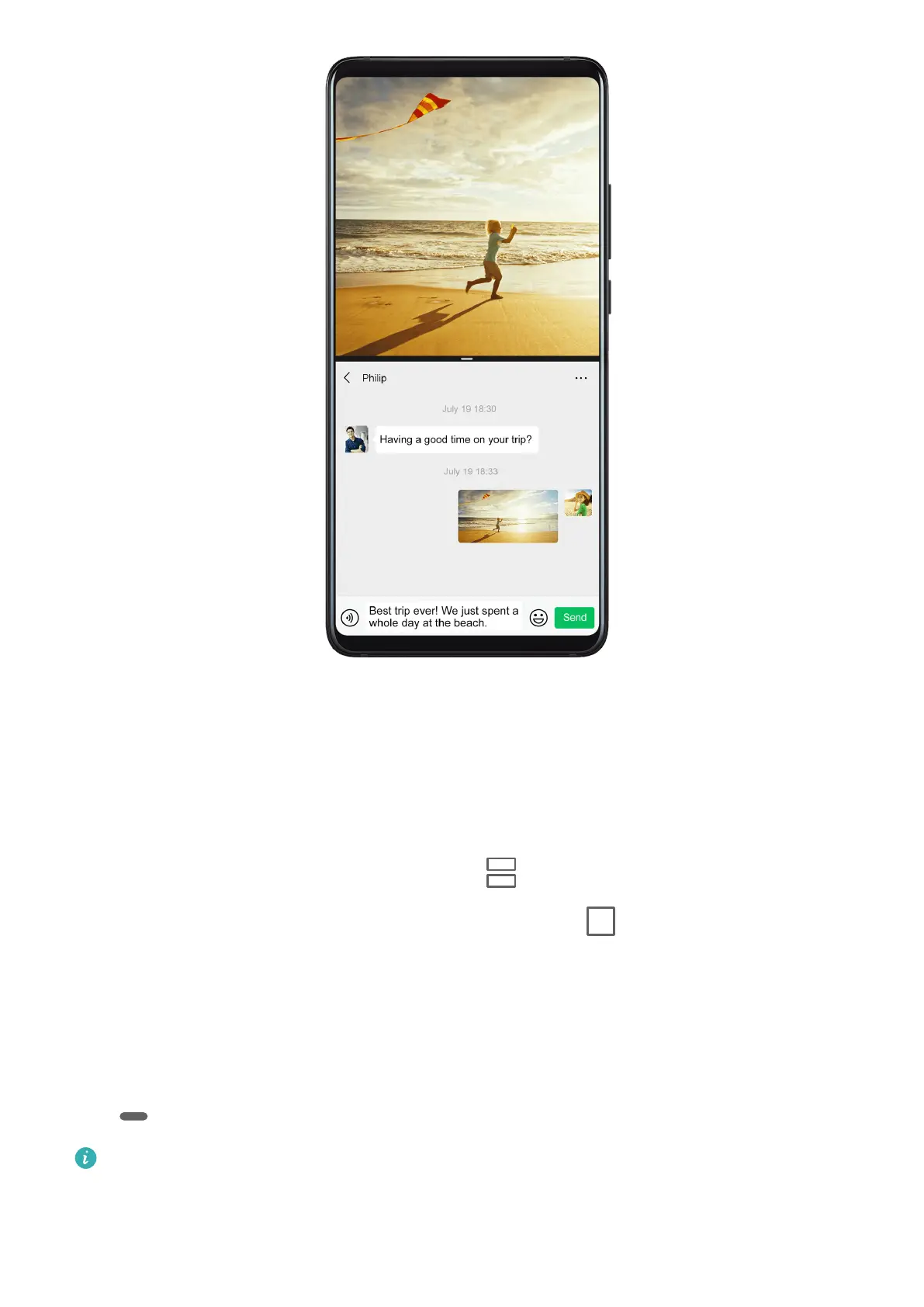
Enable Split-screen Mode
1 Open an app.
2 Enable split-screen mode using any of the following methods:
• Swipe up from the middle of the screen with three ngers.
• When using gesture navigation, swipe up from the bottom of the screen and hold to
enter the Recent tasks screen. Then touch .
• When using three-key navigation, touch and hold the key.
• Knock the screen with a knuckle and hold it until a blue dot appears, then slide your
knuckle across the screen to enable Split-screen mode.
3 Open the other app to start multitasking.
Adjust the Size of the Split-screen Panes
Drag
in the middle of the split screen line to the desired position on the screen.
This feature can only be used when your phone is in the portrait orientation.
Essentials
25



 To Next Page