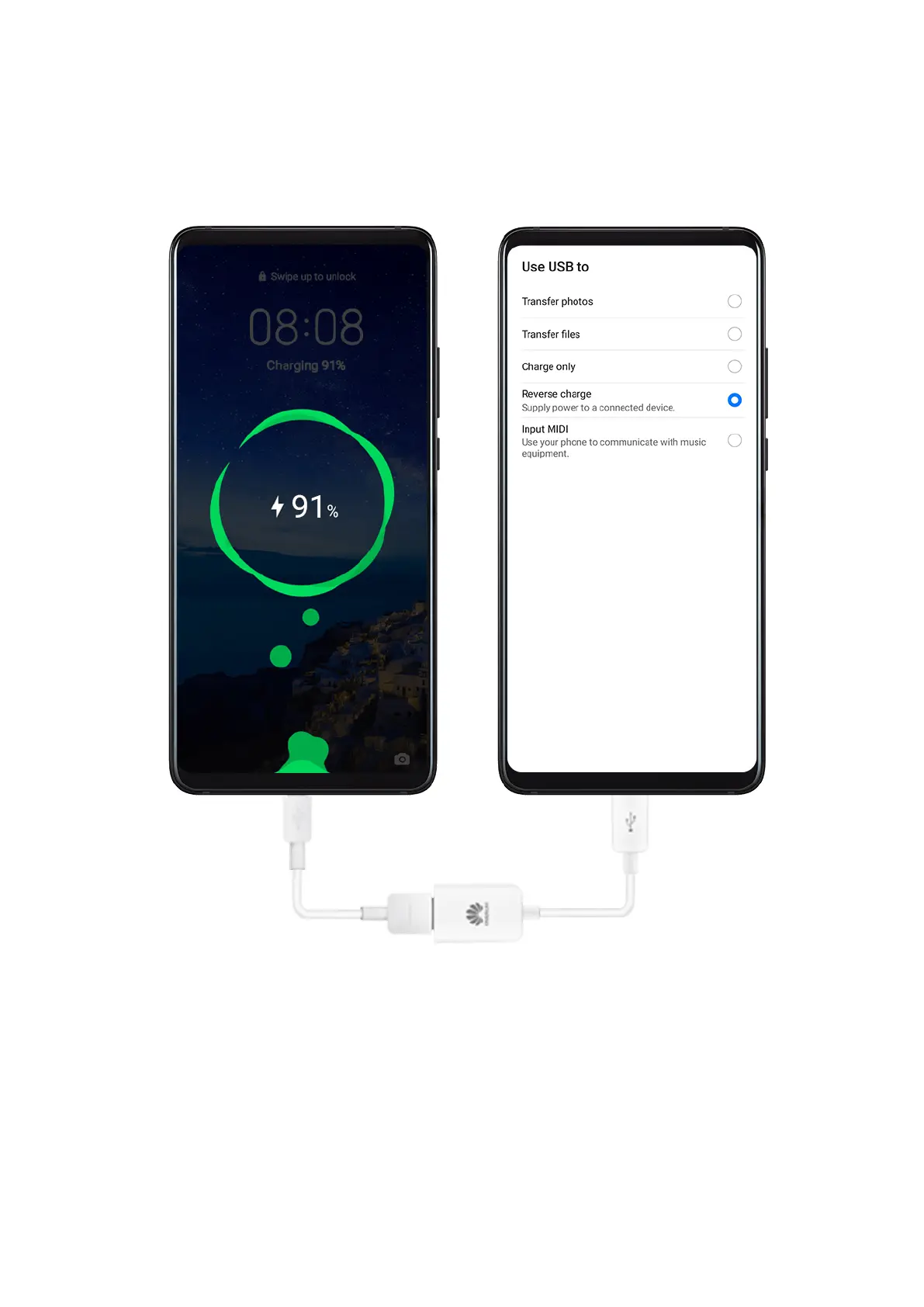
Reverse Charging with an OTG Cable
On-The-Go (OTG) is a USB transmitting technology that allows a phone to directly access
les on a USB ash drive or digital camera, or connect to an external device such as a
keyboard or mouse, with the help of an OTG cable.
You can use your phone to charge other devices using an OTG cable.
1 Connect your phone with the device to be charged using an OTG cable.
2 When the Use USB to dialog box is displayed on your phone, touch Reverse charge.
If another option has been set previously, the dialog box will not pop up. Swipe down
from the status bar to open the
notication panel, touch Settings, and then select
Reverse charge.
3 Follow the onscreen instructions on the device to be charged to start charging.
Essentials
32



 To Next Page