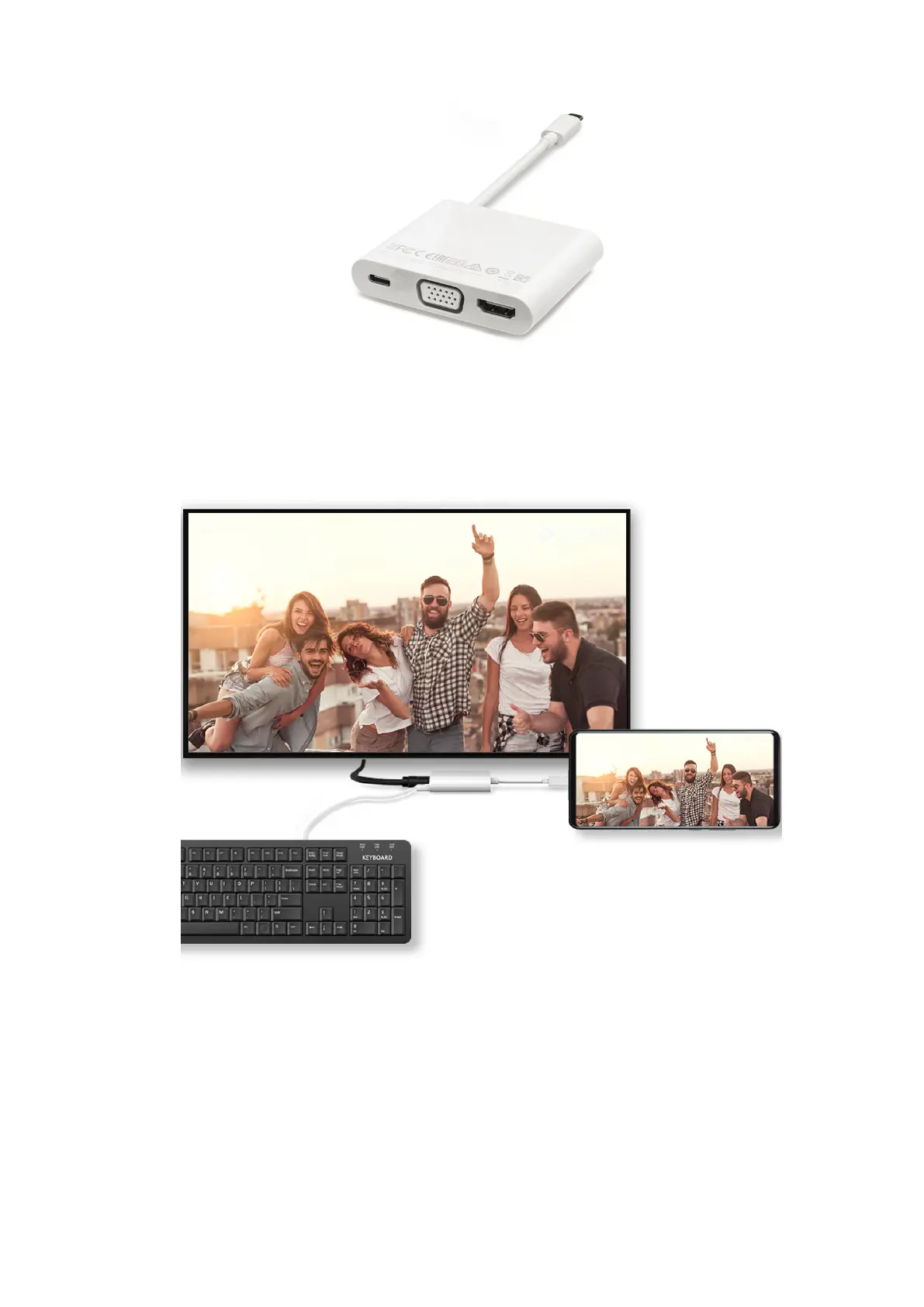
2 Connect your phone and the external display through the docking station, then connect
the wired mouse and keyboard to the docking station.
3 On the external display, set the corresponding HDMI, DP, or MiniDP input as the signal
source.
Desktop Mode
For enhanced work eciency, project the content of your phone onto an external display,
swipe down from the status bar to open the notication panel, then enable DESKTOP
MODE.
In DESKTOP MODE, the display of your phone will be arranged in a desktop layout, and
operations on your phone won't aect what's on the external display. For example, you can
Smart Features
36



 To Next Page