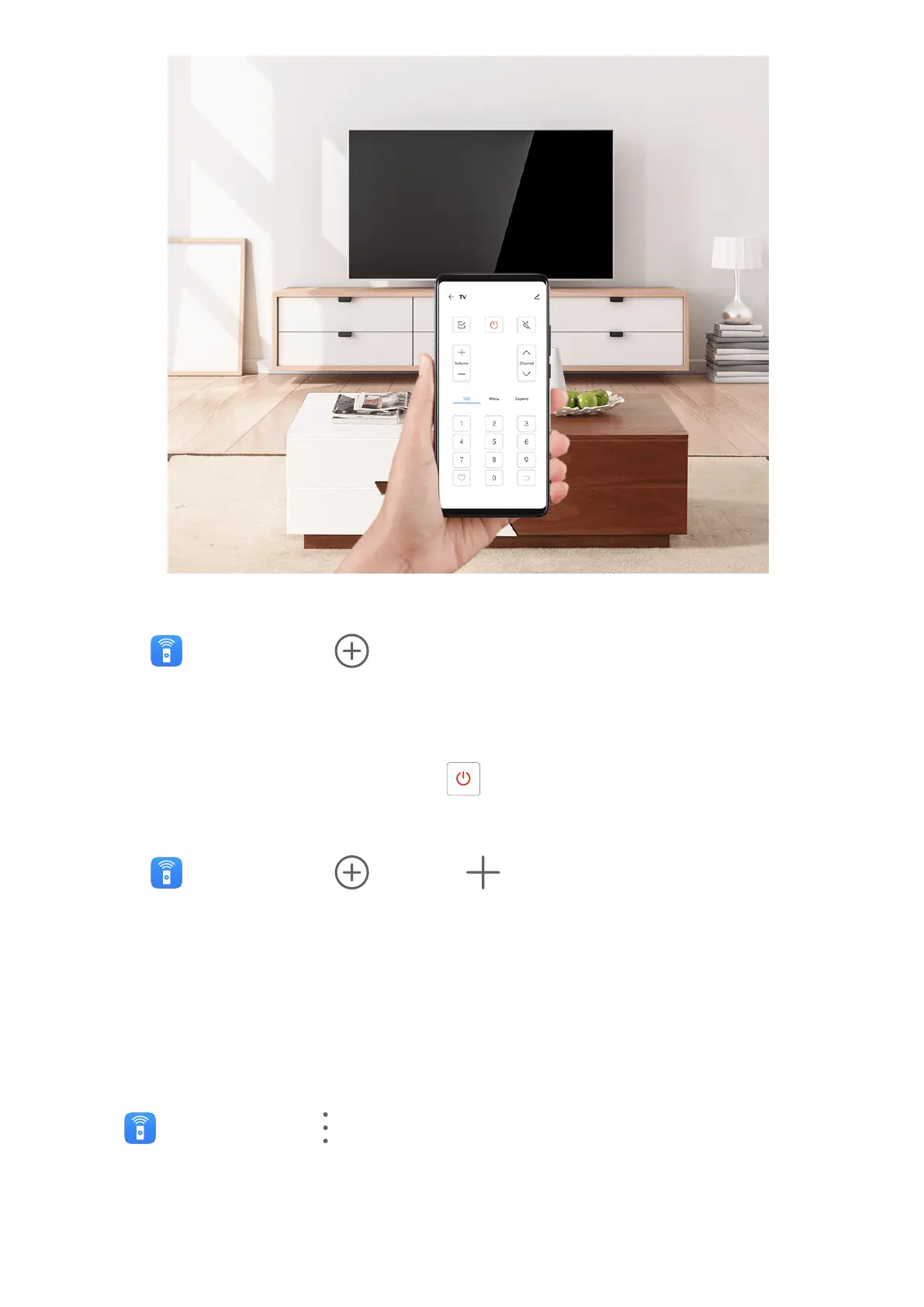
Add and Use a Remote Control
1 Go to Smart Remote > , select the device type (such as TV, air conditioner, STB,
DVD player, camera, projector, or network box), and then the brand.
2 Point the infrared sensor on the top of your phone at the household appliance, and follow
the onscreen instructions to add it to your remote control.
3 After adding the appliance, simply touch to control it remotely.
Set Up a Remote Control
1 Go to
Smart Remote > and touch .
2 Swipe through the remote control panels to select the one you want, and touch Go to
remote control panel.
3 Point the infrared sensor on the top of the phone at the infrared sensor of a home
remote, keeping it at a distance of about 5 cm. Touch and hold a key on the phone you
want to program for 2 seconds to start learning the operation. Hold your phone and the
home remote steady during the process.
Enable or Disable Remote Control Keypad Touch Sounds
Go to Smart Remote > > Settings to enable or disable keypad touch sounds and/or
vibration.
Smart Features
51



 To Next Page