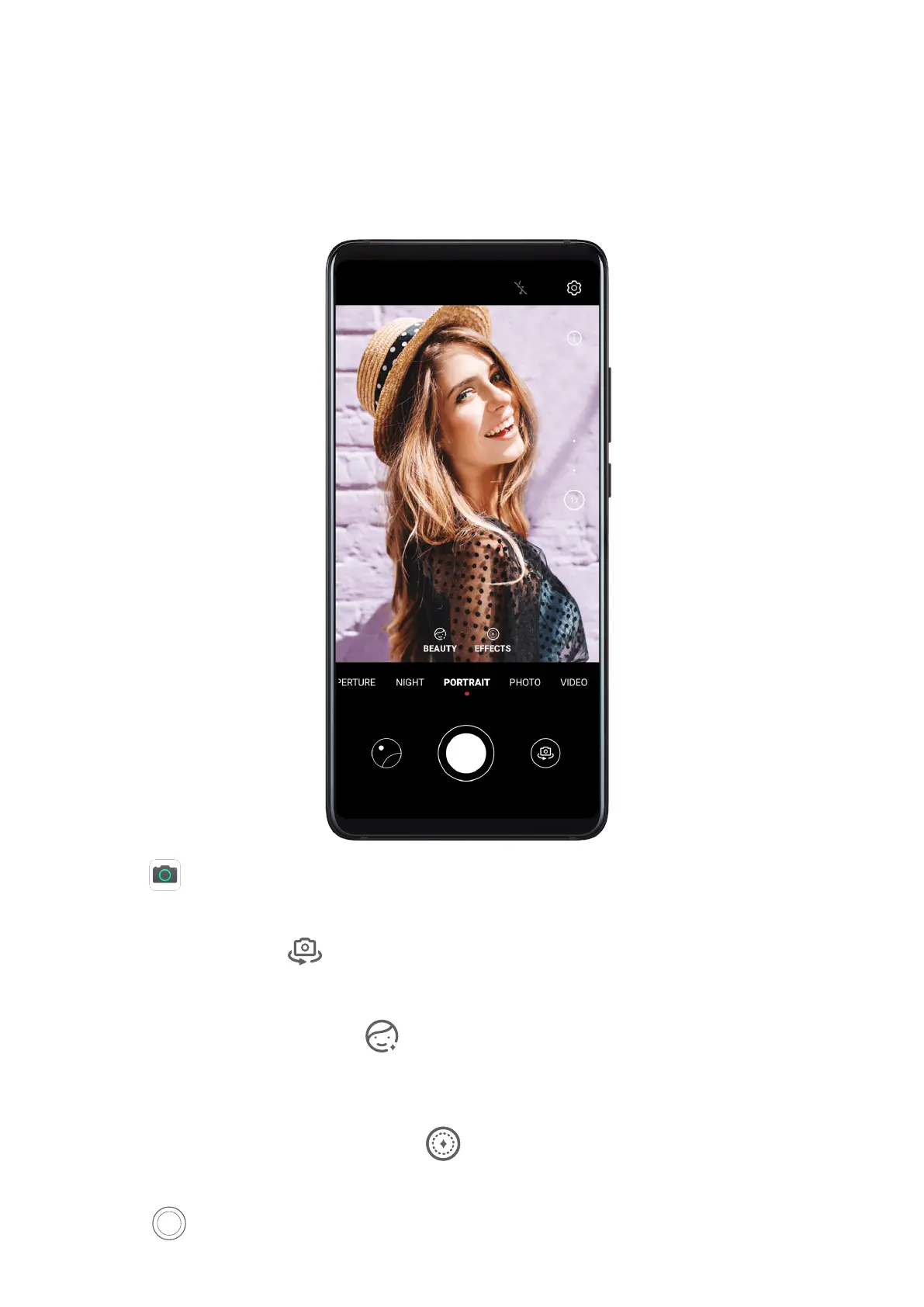
Shoot in Portrait, Night, and Wide Aperture Modes
Use Portrait Mode to Shoot Portraits
Portrait mode lets you apply beauty, lighting, and blur eects to your photos to shoot
stunning portraits.
1 Open Camera and select Portrait mode.
2 Frame your subject in the viewnder.
To take a sele, touch .
3 You can also:
• Enable beauty eect: Touch and drag the slider to adjust beauty settings. A larger
value will produce a more distinct beauty eect. To disable the beauty eect, drag
each setting to its lowest value.
• Set blur and lighting eects: Touch and select blur and lighting eects to your
liking.
4 Touch
to take a photo.
Camera and Gallery
56



 To Next Page