4 Touch at the top of the screen to customize the background music, lter, intro and
outro, and more. Then touch to save the video.
5 When you are
nished, touch to export the video.
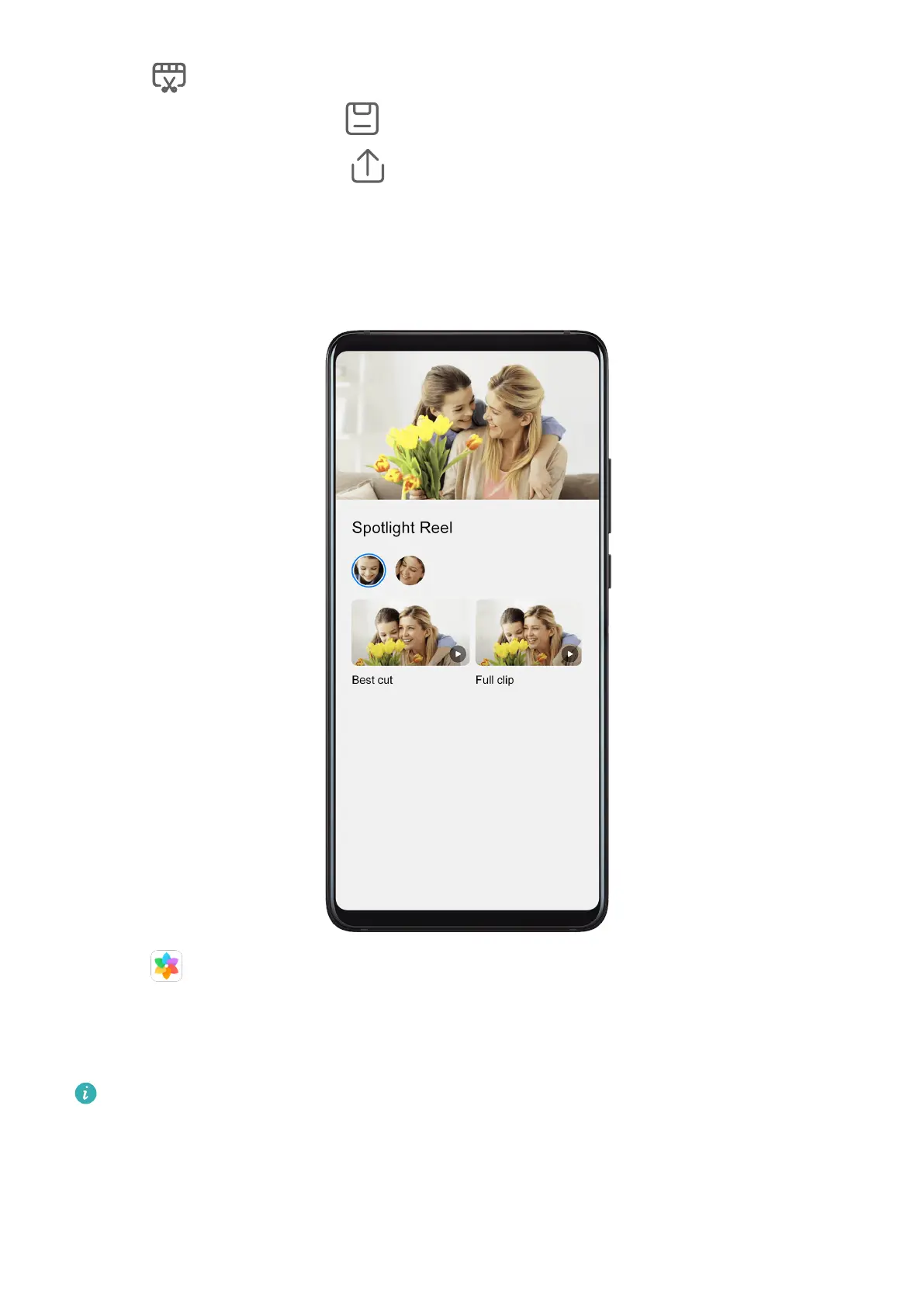
View Spotlight Reels
Spotlight Reels are highlight clips of particular people and objects with added background
music that Gallery creates automatically from your videos.
1 Go to Gallery > Albums > Camera.
2 Touch a video, then swipe up on the video. Touch a People album or video under Best cut
to view.
If a clip has not yet been generated, touch GET STARTED to create one.
This feature works automatically when your phone is charging and the screen is o. It
only works on local videos between 10 seconds and 3 minutes long.
Edit Spotlight Reels
1 When you are watching a Spotlight Reel, touch the video to select a preset template at
the bottom of the screen.
Camera and Gallery
85



 To Next Page