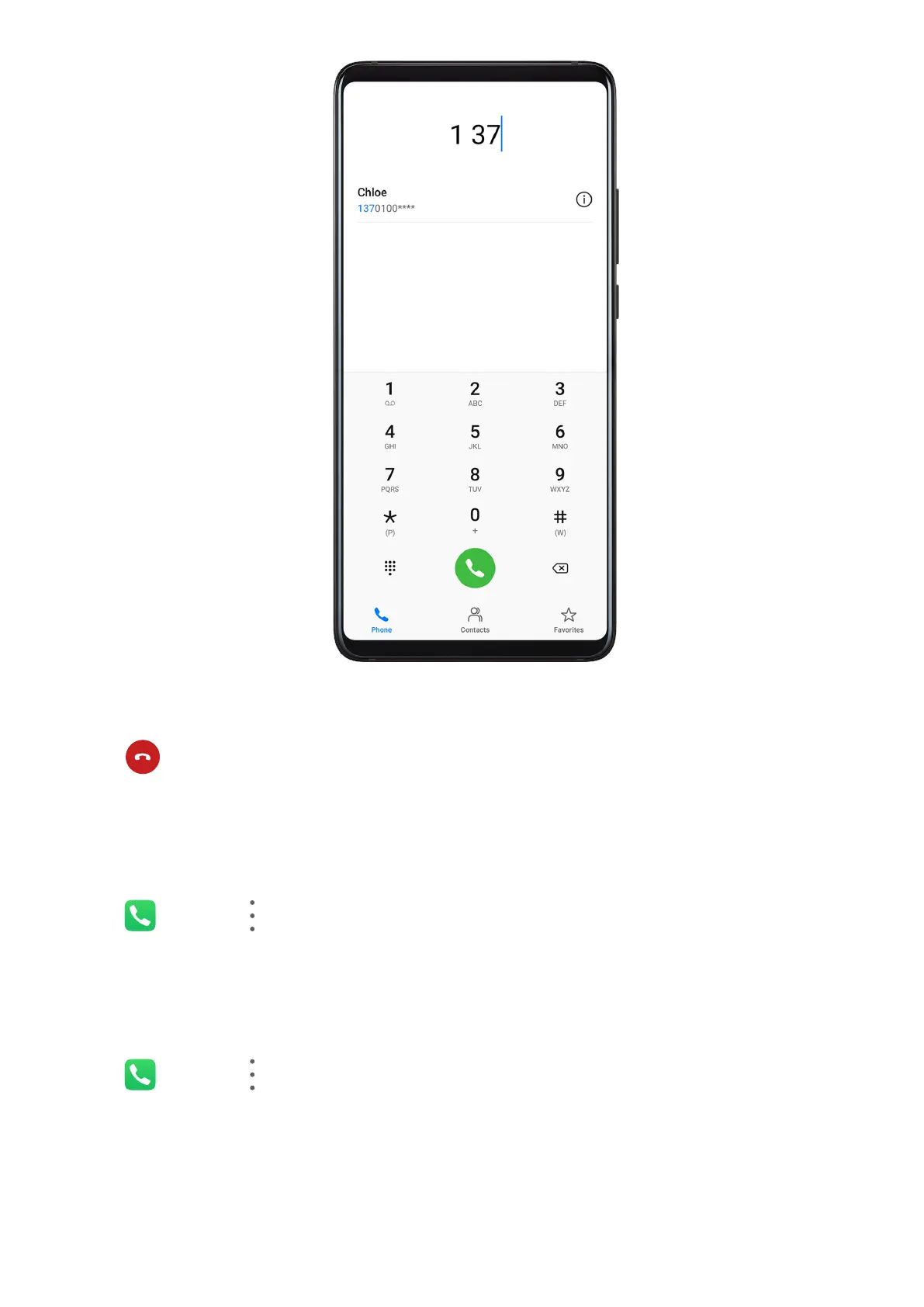
• On the Phone screen, touch the Contacts tab at the bottom, then select a contact to make
a call.
Touch
to end a call.
Use Speed Dial
Once you've set up speed dialing for a contact, you can quickly call that contact with the
assigned number key.
Go to Phone > > Settings > Speed dial, select a number key, then set a contact for
this speed dial number.
Press the Power Button to End a Call
During a call, press the Power button to end the call.
Go to Phone > > Settings > More and enable Power button ends call.
Set a Contact Prole Picture for Calls
You can set prole pictures for your contacts to be shown on the screen during incoming and
outgoing calls.
Apps
95



 To Next Page