EasyManua.ls Logo

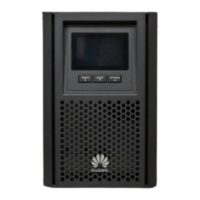
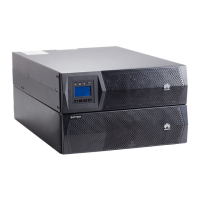
Huawei UPSJZ-T Series - User Manual

Huawei UPSJZ-T Series
105 pages
Print Icon
To Next Page IconTo Next Page
Loading...
UPSJZ-T-(1 kVA–3 kVA)
User Manual
Date 2022-08-15

Questions and Answers

  • O
    osanchezAug 10, 2025
    Why do Huawei UPS batteries provide backup power for a shorter period than specified?
    • B
      Brett WatsonAug 10, 2025
      If your Huawei UPS batteries aren't providing the specified backup time, it could be due to a couple of reasons. First, the batteries might not be fully charged. In that case, charge them for at least 5 hours and then check the battery SOC. If the SOC is still low, contact your dealer or customer service center of our company. Second, the batteries might be faulty. In this case, contact your dealer or customer service center of our company to replace the batteries.
  • J
    jessicarobertsAug 25, 2025
    How to troubleshoot a Huawei UPS with a normal power supply but the LCD is off?
    • E
      Emily SanchezAug 25, 2025
      If the LCD is off and there are no buzzer beeps on your Huawei UPS despite the active power supply being normal, it could be due to a loose mains input power cable. Ensure the input power cable is securely connected. Alternatively, the mains input power cable might be incorrectly connected to the output terminal. In this case, correctly connect the mains input power cable to the UPS mains input terminal.

Huawei UPSJZ-T Series Specifications

General IconGeneral
BrandHuawei
ModelUPSJZ-T Series
CategoryUPS
LanguageEnglish

Related product manuals