Function description
OPERATION MANUAL Chapter 3
Unistat® V2.0.0en/09.06.16//15.09
3.8.2 The LED-Indicator Temperature [90]
The red display represents the set cut-out value (overtemperature). Upon reaching this OT cut-out
value, the temperature control unit switches off automatically <Safety function!>. The green display
shows the actual value. In the internal control mode the internal temperature (flow/jacket tempera-
ture) and during cascade control the process temperature (reactor temperature) is displayed.
3.8.3 The LED-Indicator Flow Chart [91]
Shows status information about the operating state of the temperature control unit (e.g. circulation
active, chiller active, heating active, internal/process control mode active). Active states are dis-
played by illuminated LEDs.
3.8.4 The LED-Indicator Status [92]
Displays status information about the operating state of the temperature control unit (process tem-
perature, heating, cooling, pump). Active states are displayed by LEDs.
3.9 Control instruments
To exit the “Categories Menu”, sub-categories, menu items, press the “Home” touch button
(house) or the arrow. After 2 minutes of inactivity, the category/ sub-category or the Favourites
menu is automatically closed and you return to the “Home” screen. Dialogs are not can-
celed/closed after 2 minutes of inactivity.
3.9.1 The touchbuttons
Depending on the situation, the touch buttons can be assigned different functions.
For example:
▪ Select the “Home” screen (house)
▪ Back (arrow to left)
▪ Favourites (star)
▪ Add to favorites (star with a plus sign)
▪ Select the “Categories menu” (menu)
▪ Confirm entry
▪ Start/stop
etc.
3.9.2 The categories
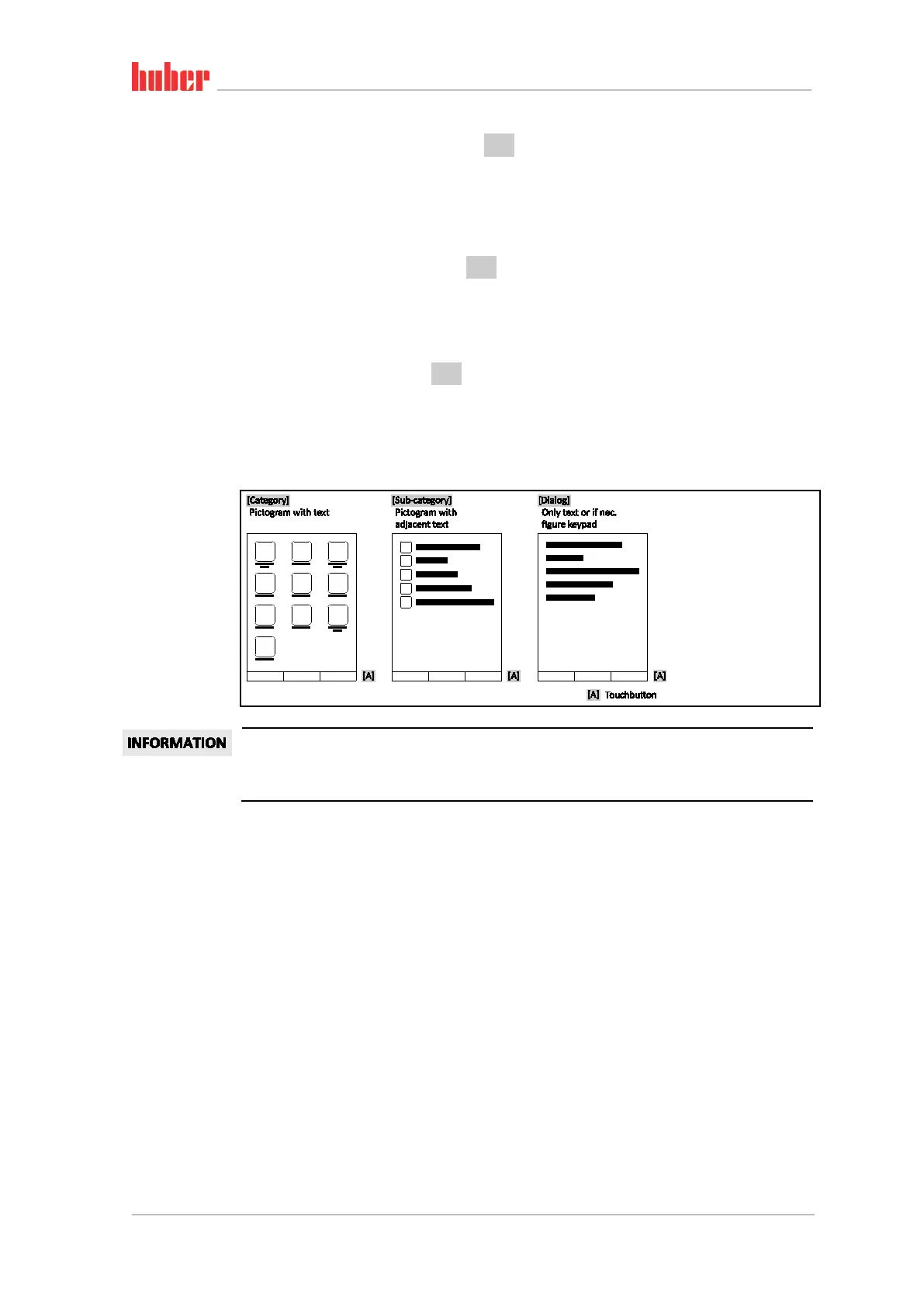
For clarity we have grouped the Operation and Setting of Pilot ONE in various categories. A category
is selected by tapping it.
Example “Control
instruments”



 To Next Page