Function description
Chapter 3 OPERATION MANUAL
V2.0.0en/09.06.16//15.09 Unistat®
3.9.3 The sub-categories
The sub-categories are parts of a category. This is where you will find the entries that we have
grouped together for you in the selected category. Not all the categories also contain sub-
categories. Tap on a sub-category to select it.
3.9.4 The dialogs
Tapping on a category or sub-category displays its dialogs. Dialogues may appear e.g. as text, a
numeric or a alphanumeric keyboard. Dialogs allow you for example to enter settings or start creat-
ed temperature control programs. Within a dialog, selection must always be confirmed with the
“OK” touch button. When cancelling a dialog with the “ESC” touch button it may be necessary to
confirm the cancellation again.
3.10 Function examples
3.10.1 Display of software version
PROCEDURE
Go to the “Categories Menu”.
Tap on the category “System Settings”.
Tap on the category “System Info”.
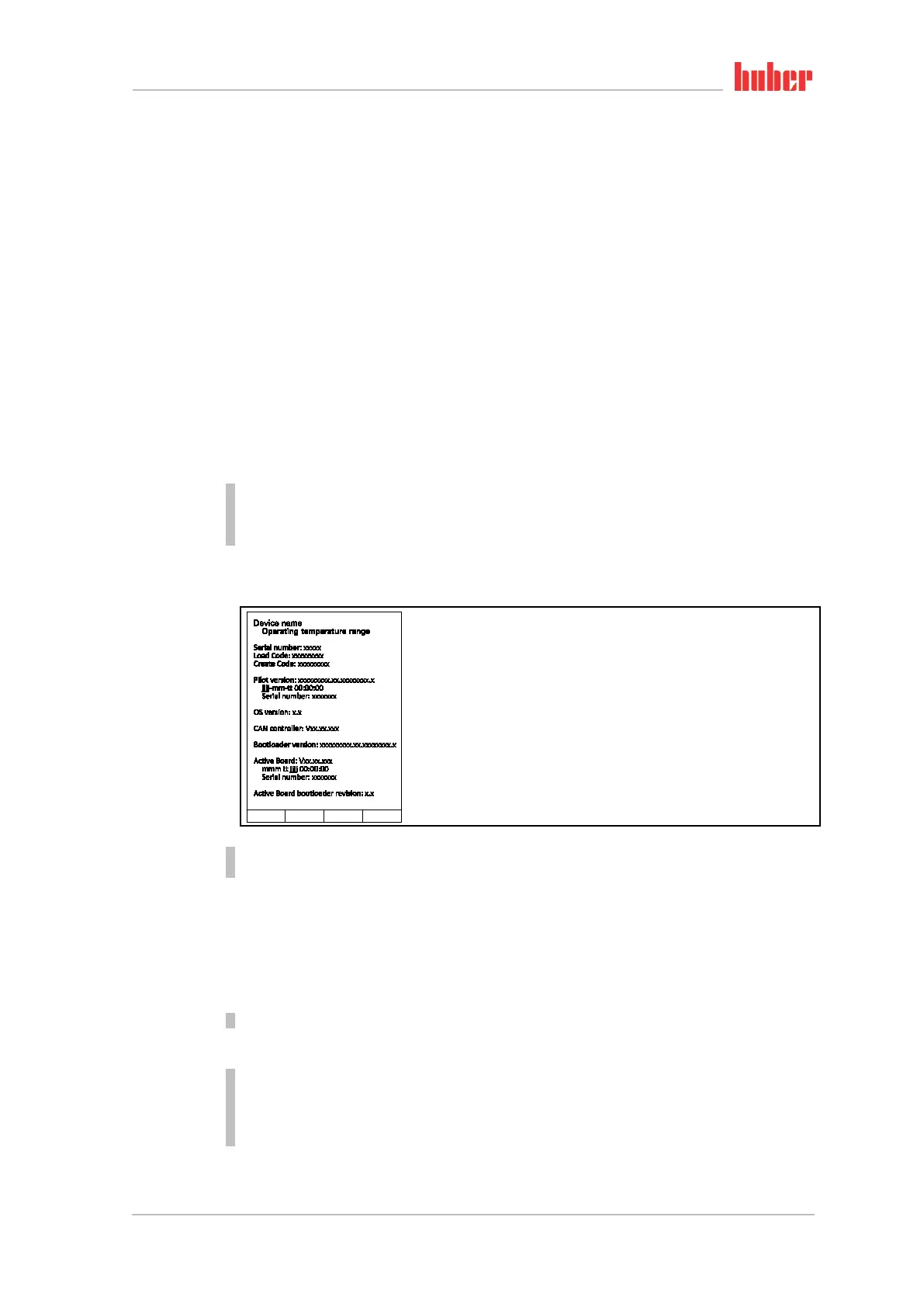
Tap on the sub-category “Software Version”.
The software versions of the electronics will be displayed:
Tap either the “ESC” or “OK” touchbutton. You will be returned to the previous screen.
Tap on the “Home” touchbutton (house) to return to the “Home” screen.
3.10.2 Start & Stop
How to start and stop the temperature control process. Prerequisites: You have entered a setpoint.
PROCEDURE
Go to the “Home” screen.
Start
Tap on the “Start” touchbutton.
Confirm the start of temperature control by tapping on “OK”.
The correct selection will be displayed graphically and temperature control will start immediate-
ly. If tapping on “OK” is not correct, this is displayed graphically for 2 seconds. After this, the dis-
play will return to the “Home” screen again. Try to start the temperature control unit again.
Display of
software versions



 To Next Page