48Control Head Setup
• Blocked Beams: If the beams hit a hard surface, it will appear as bright
white on the display. If the beams are blocked by any objects, move the
objects if possible. You can also adjust the MEGA Live Range on the X-Press
Menu to see more or less detail on the display.
4. Stop Pinging: When you are finished reviewing the operation, tap Ping Off
from the MEGA Live status bar.
HELIX Series
1. Press and hold the VIEW key.
2. Select Sonar > MEGA Live View.
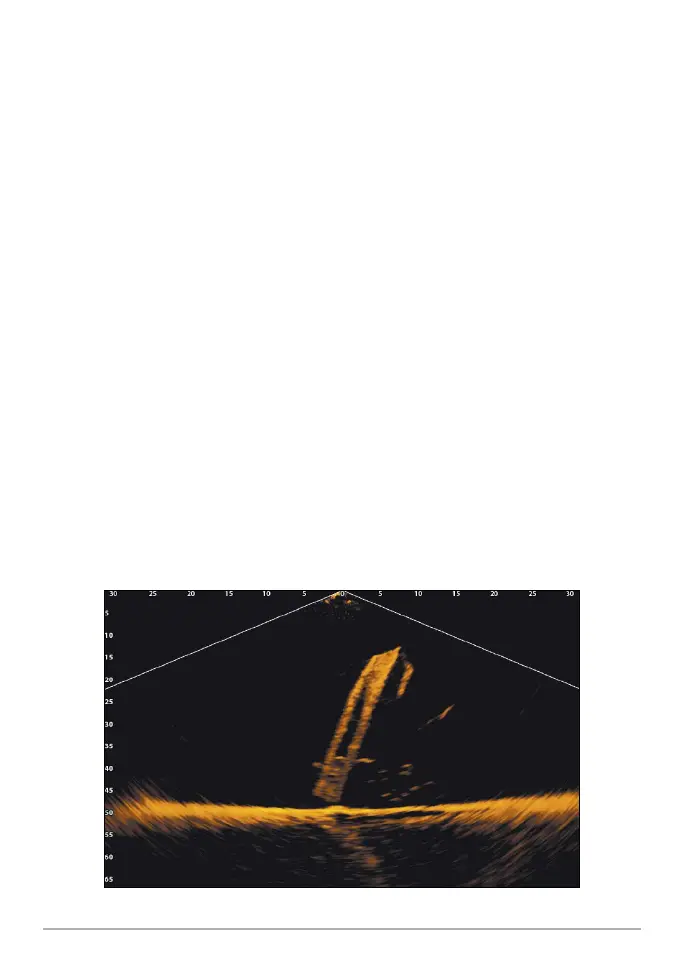
3. The sonar returns from the MEGA Live will begin to display on the MEGA Live
View. Review the display for the following information and see the illustrations
Reviewing the MEGA Live View.
• Bottom: Confirm that the bottom is visible on-screen.
• Blocked Beams: If the beams hit a hard surface, it will appear as bright
white on the display. If the beams are blocked by any objects, move the
objects if possible. You can also adjust the MEGA Live Range on the X-Press
Menu to see more or less detail on the display.
4. Stop Pinging: When you are finished reviewing the operation, press the MENU
key once. Select MEGA Live Pinging, and press the LEFT Cursor key.
Reviewing the MEGA Live View
(Down)













 To Next Page