51 Control Head Setup
HELIX Series
1. X-Press Menu: With a MEGA Live Imaging View displayed on-screen, press the
Menu key once.
2. Select MEGA Live Mode.
3. Press the RIGHT or LEFT Cursor keys to select a mode.
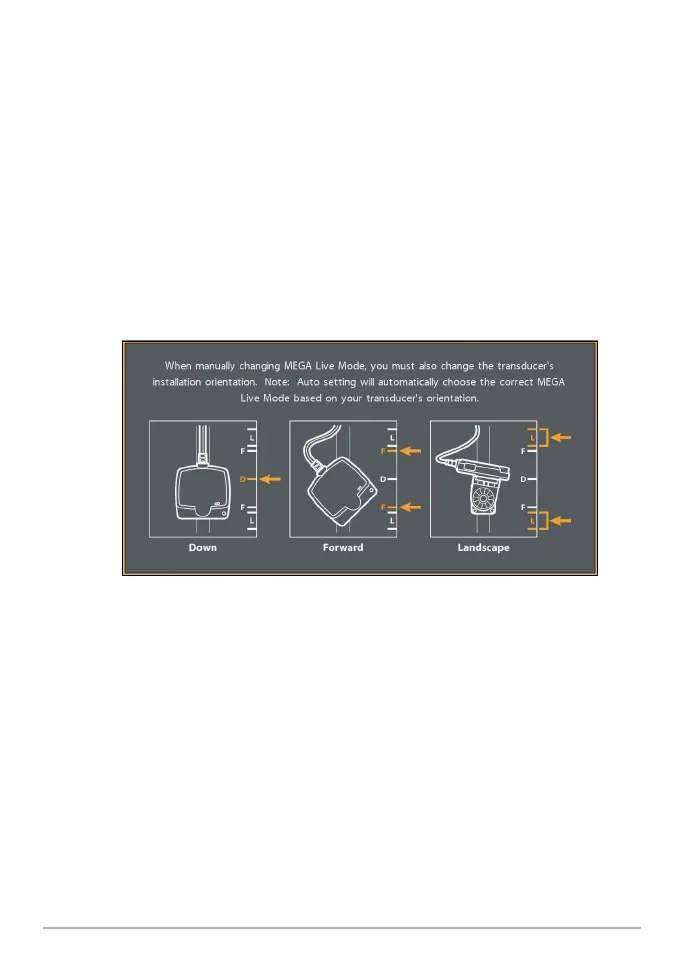
When you manually change the MEGA Live mode, a message box will display
reminding you to also change the transducer’s installation orientation. For
instructions on changing the installation orientation, see Step 2 of Install the
Trolling Motor Mount, Section 5: Route the Cables and Connect Power.
Changing the MEGA Live Mode (HELIX)
4. Close: Press the EXIT key.













 To Next Page