19
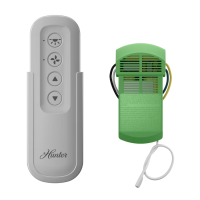
1 Hold down the single button on the face of your
Receiver while you plug it into a SmartPort
®
that
is connected to a powered controller. When this
is done, the Receiver will beep 4 times.
2. After the Receiver starts to beep, release the
button.
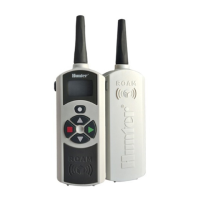
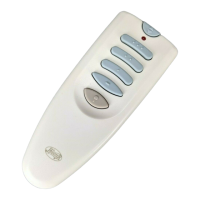
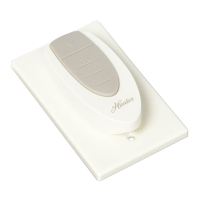
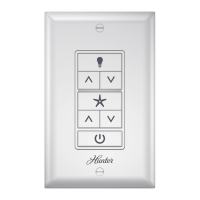
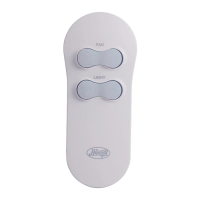
3. Press either the
or button of your
transmitter.
4. The Receiver will beep 4 additional times
indicating that it has learned the new Transmitter
address and will respond only to that address
from this point on.
CHANGING THE RECEIVER ADDRESS ............................................


 To Next Page