20
Operation
12.2 Loading Paper *
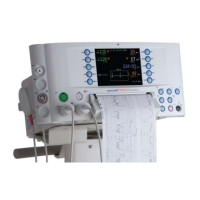
1. Grasp printer door fi rmly and pull gently backwards.
2. Insert paper roll as shown and close printer door. A ‘click’ will be
heard when door is fully engaged.
3. To tear paper, hold fi rmly and tear from one edge towards the front of
the unit.
Note: If using label paper, ensure roll ends are smooth. If not, press end of
roll onto a fl at surface.
CAUTION: Only use paper approved by Huntleigh.
Note: The printer lid is designed to detach if forced. To replace, hook the
two lid pivots over the metal rod and press fi rmly downwards. A
positive ‘click’ will be heard as each pivot snaps into place.
Note: Standard (Plain) paper will allow approximately 55 printouts.
Label paper will allow approximately 35 printouts.
* Depending on model





 To Next Page
