32
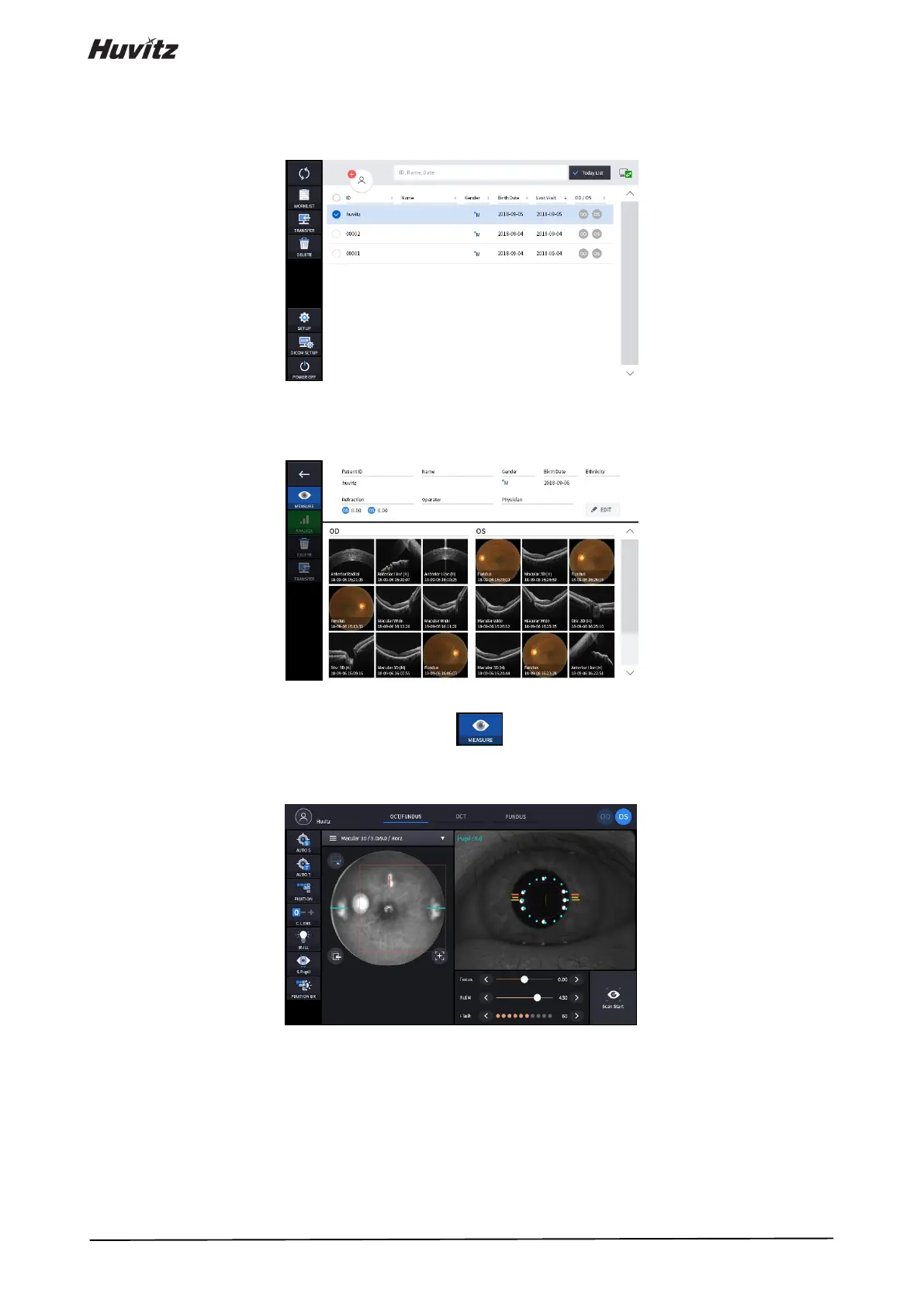
4. If you want to send patient information to a web viewer or delete patient information, select the circle next to the
ID and press the TRANSFER icon or DELETE icon.
5. When you select a patient, the screen changes.
6. Enter observation mode by pressing measure icon ( ).
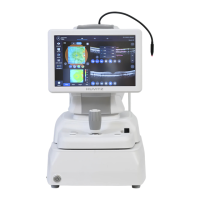
The screen of observation mode is as follow.


 To Next Page