56
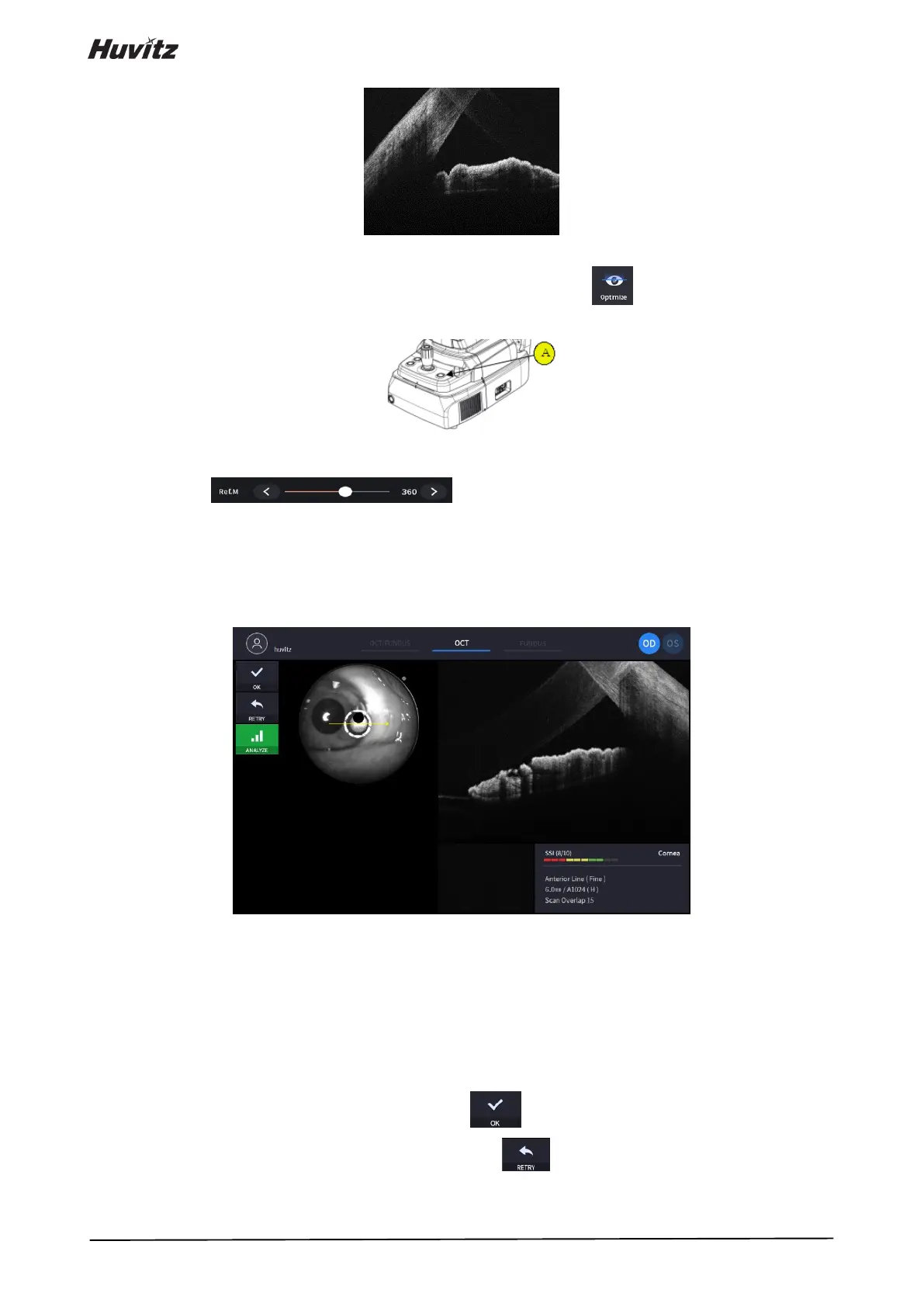
(2) Measuring anterior chamber angle.
① Optimize OCT signal by pressing optimize icon on the screen ( ) or optimize button on the body
(A).
② For enhancing OCT signal, move position of reference mirror by pressing arrow of REF.M icon
( ) if needed.
③ This function available on OCT/Fundus mode.
④ Press the button on joystick to capture image.
(3) Check image quality
① Check SSI for image quality if needed.
SSI (Scan Signal Index) indicates level of image quality. SSI means signal to background ratio and
displayed on a scale of 10 with a bar graph. SSI larger than 8 means ‘Good’, 5~8 means ‘Normal’,
less than 5 means ‘Poor’ in general.
We recommend capture normal or good status in general. But, you don’t have to retry when image is
satisfactory but SSI is low, because SSI depends on patient’s eye conditions.
② If the image is satisfactory, press OK icon ( ) to save image.
③ If the image is not satisfactory, press retry icon ( ) and retry image capturing.
A. If fundus image result too bright or too dark because of lighting, regulate the flash intensity using



 To Next Page