46
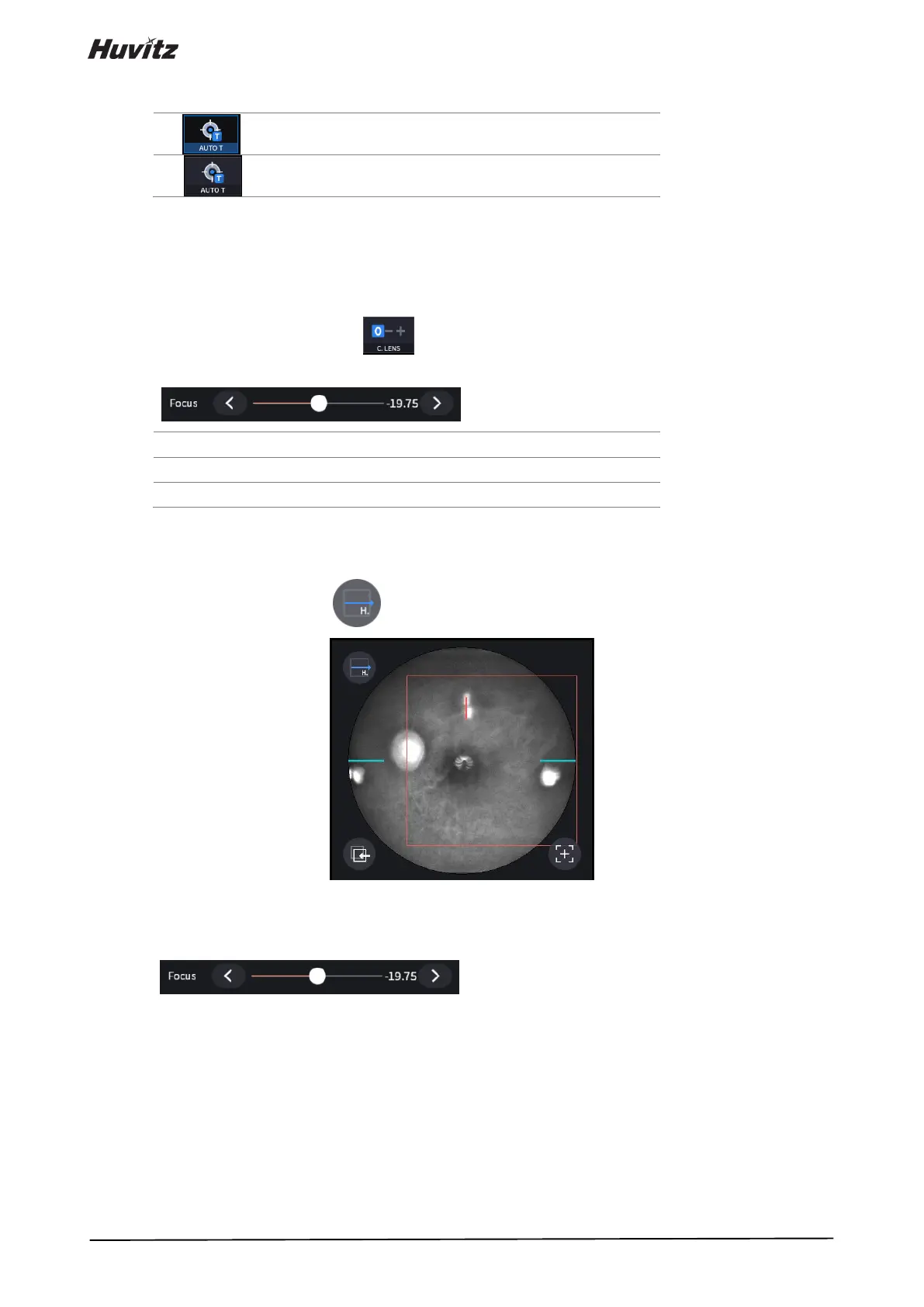
(5) Set auto tracking mode.
• If auto tracking is on, patient’s eye is automatically tracked to center and focused when patient’s eye is
inside tracking region.
• Auto tracking is not supported for anterior capture mode.
(6) Set compensation lens mode on( ) if the eyesight of patient is out of -13 to 13 diopter. Once the
compensation mode is on, you need to fit the focus with the focus slide bar.
( ) manually.
No compensation lens is used.
Minus compensation lens is used.
Plus compensation lens is used.
(7) Click the Scan Direction icon ( ) if you want to change the scan direction.
• This icon is not supported in fundus mode.
(8) Set the diopter of patient by Focus icon
( ) if needed.
5. Align patient’s eye to eye level mark on headrest.
(1) Let the patient’s chin put on the chinrest.
(2) Let the patient’s forehead adhere to headrest.
(3) Move up or down chinrest with the chinrest button (B) on the body to fit the level of patient's eye to the eye
level mark (A) on the headrest.


 To Next Page